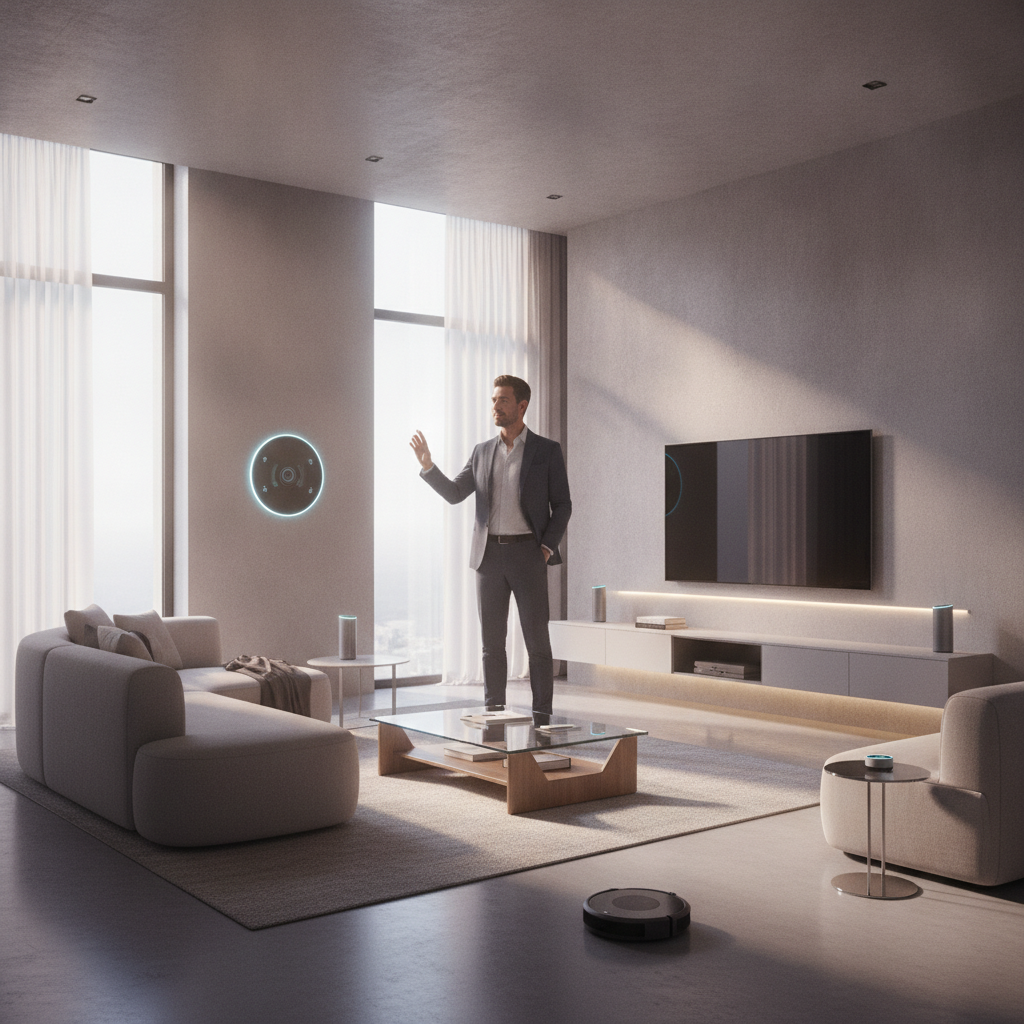
Imagine a smart home that truly understands you, anticipating your needs from the moment you wake up until you drift off to sleep. With the arrival of Gemini for Home on Google Home speakers, this vision is now a reality. Gemini transforms your Google Home devices into an intelligent assistant, ready to help you manage your daily routines, control smart devices, and tackle household tasks with remarkable ease.
Whether you’re looking to streamline your morning, boost your productivity throughout the day, or wind down efficiently in the evening, Gemini for Home is designed to make your life simpler. It helps you organize your schedule, enhance home security, and even provides creative assistance for cooking and hobbies. For those who want to unlock even more advanced capabilities, like searching through camera history, a Google Home Premium subscription is available starting at just $10 a month.
Morning: Kickstarting Your Day with Gemini
Your mornings just got a whole lot smoother with Gemini for Home. From getting out of bed to heading out the door, it’s there to assist. Forget fumbling with switches; a simple voice command can get your home ready for the day.
- Start a new breakfast routine: “Hey Google, add all the ingredients to make strawberry overnight oats to my shopping list.”
- Reach your wellness goals: “Hey Google, suggest a smoothie recipe that’s high in fiber and will keep me going until lunchtime.”
- Hone your culinary techniques: “Hey Google, how do I cook my eggs over-easy without breaking the yolk?”
- Prepare for the day: “Hey Google, do I need a jacket today?” or “How is the traffic to work right now?”
- Get news and updates: “Hey Google, what’s the news today?” or “What’s the local news this morning?”
- Manage your calendar: “What’s on my calendar for the week?” or “Hey Google, which Saturday afternoons are free this month?”
- Do even more with one command: “Hey Google, set a 20-minute timer for the chicken, start the vacuum cleaner, and play some relaxing music.”
Midday: Boosting Productivity and Staying Connected
As the day unfolds, Gemini continues to be your invaluable assistant, helping you manage tasks, stay organized, and even take a mindful break. It’s perfect for juggling work, family, and personal well-being.
- Conquer your to-do list: “Hey Google, remind me to clean out the freezer and take out the trash when I get home from work today.”
- Organize your tasks: “Hey Google, what are the best ways to organize my daily to-do list?”
- Manage lists and notes: “Hey Google, I want to make chicken piccata – can you add the ingredients to my grocery list?” or “Hey Google, what lists do I have?”
- Incorporate mindfulness: “OK Google, what are some simple breathing exercises to reduce stress?”
- Discover what’s happening: “Hey Google, tell me the latest news about the space station mission.”
- Check in on home security (Premium Feature): “Hey Google, when did the white Honda leave the driveway?” or “Did the kids play in the backyard this afternoon?”
- Find music to support your flow: “Hey Google, what’s the best kind of music to listen to while studying?”
Evening: Winding Down and Securing Your Home
As evening approaches, Gemini for Home helps you transition from a busy day to a relaxed night. From preparing dinner to securing your home, it ensures a smooth and stress-free close to your day.
- Whip up a fast weeknight meal: “Hey Google, what’s a good 20-minute recipe that uses ground turkey?”
- Cook with what’s in your pantry: “Hey Google, what can I make for dinner using a can of black beans, and dry pasta?”
- Control smart home devices naturally: “Hey Google, turn off the dining room lights, actually, just dim them.”
- Manage family chores: “Hey Google, add ‘feed the dog’ to Leo’s chore list.” or “OK Google, what’s left to do on the family chore list today?”
- Help with homework: “Hey Google, how do I explain black holes to a kindergartener?”
- Set the perfect ambiance: “Hey Google, set the living room lights to the color of the ocean.”
- Plan for tomorrow: “Hey Google, what’s my schedule for tomorrow?” or “Hey Google, will I need an umbrella tomorrow?”
- Secure your home: “Hey Google, make sure all the doors are locked and the garage door is closed.”
- Enjoy entertainment: “Hey Google, suggest a highly-rated documentary about nature.”
- Do even more within one seamless command: “Hey Google, shut off all the lights, set the thermostat to 68 degrees and turn off the living room TV.”
Unlocking Advanced Features with Google Home Premium
For those who desire even more sophisticated control and peace of mind, Google Home Premium takes your smart home experience to the next level. Starting at just $10 a month, this subscription unlocks features that provide deeper insights and more precise control over your home’s security and activities.
Imagine being able to ask, “Hey Google, when did the nanny arrive yesterday?” and getting an immediate, precise answer by checking your doorbell history after tagging a familiar face. Or, “Hey Google, did the garage door close after the delivery truck left?” These advanced capabilities, including live camera searching and detailed event timelines, offer unparalleled control and reassurance, making your home smarter and more secure than ever before.
Source: Google Blog (The Keyword)
