In the world of PC building and upgrades, we often focus on the flashy components: the powerful graphics card, the lightning-fast SSD, or the high-resolution monitor. Yet, a seemingly trivial component like a simple cable can hold the power to completely sabotage your entire system. Specifically, we’re talking about a notorious manufacturing flaw in DisplayPort cables, often dubbed the “DisplayPort Death Pin,” which can turn your expensive hardware into an inert paperweight.
This critical flaw, officially known as the Pin 20 Problem, occurs when the final pin on a DisplayPort cable is incorrectly wired. Instead of remaining disconnected in passive cables, it carries a live electrical current it was never intended to handle. This seemingly small error creates an unwanted electrical bridge, allowing power to flow between your monitor and graphics card in both directions, often with catastrophic consequences.
Understanding the DisplayPort “Death Pin” Phenomenon
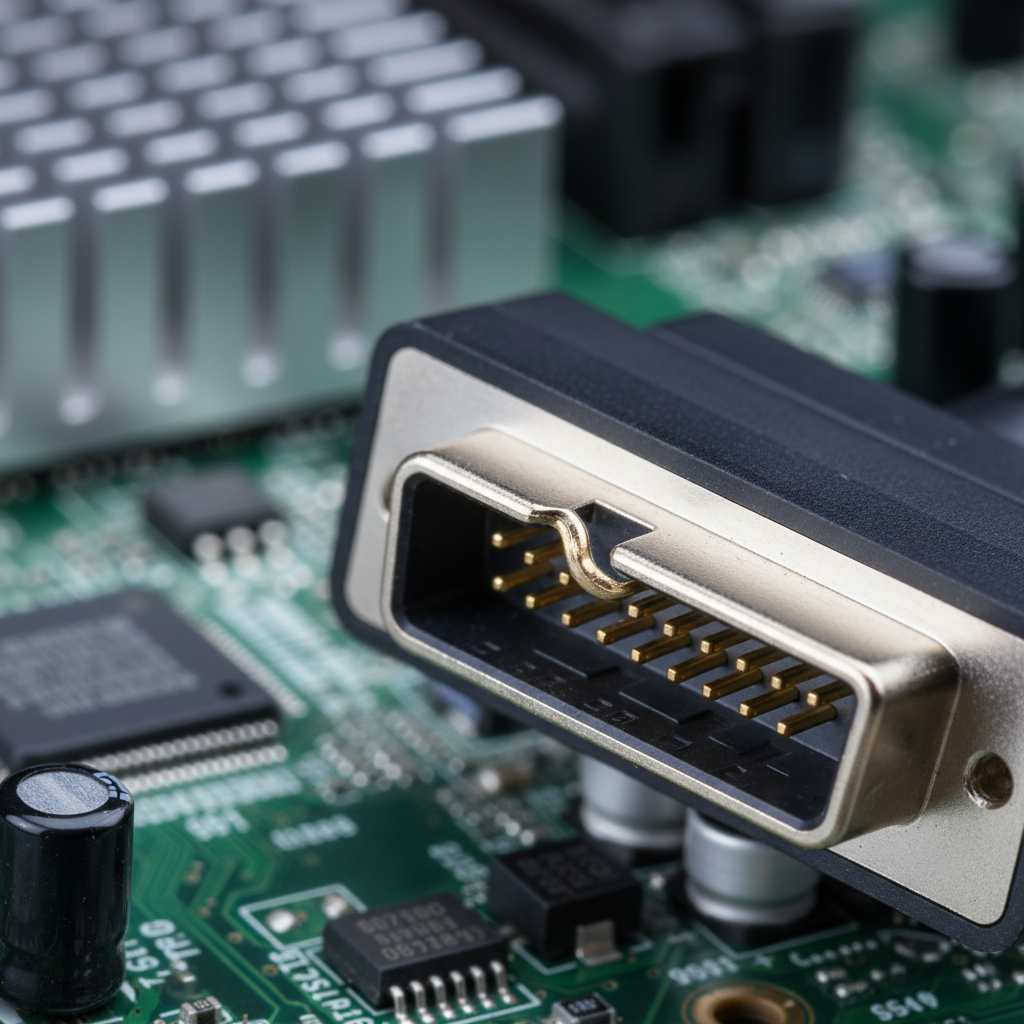
If you’ve ever closely examined the end of a DisplayPort connector, you’ll notice a series of 20 small, gold-colored pins, each designed for a specific function like electrical grounding or audio/video transfer. Pin 20, however, has a unique history and purpose. Originally, it was intended to carry an electrical charge, enabling direct power for devices like docking stations or adapters without needing a separate power supply.
While this feature served a niche purpose, it became a significant problem for standard, “passive” DisplayPort-to-DisplayPort cables used to connect your PC directly to a monitor. The unintended power flow led to numerous reports of malfunctioning cords and damaged devices. Recognizing this widespread issue, the Video Electronics Standards Association (VESA) mandated in 2013 that all passive DisplayPort cables must have Pin 20 disconnected.
Despite VESA’s clear guidelines, not all manufacturers adhere to these crucial standards. When a cable is made incorrectly and connects Pin 20 end-to-end, it completes an electrical circuit between your GPU and display. This constant, uncontrolled power flow can wreak havoc on your sensitive electronics, leading to unpredictable and often permanent damage.
The Devastating Impact on Your PC
The consequences of using a faulty DisplayPort cable with a connected Pin 20 can range from annoying glitches to complete system failure. Your high-end graphics card, which might have cost you upwards of $1,500, is particularly vulnerable. The constant power feedback can severely stress and ultimately fry delicate internal components.
If you suspect you’re using a problematic DisplayPort cable, be on the lookout for these critical symptoms:
- System instability or random crashes: Your PC might suddenly freeze or reboot without warning, often during gaming or graphically intensive tasks.
- No display signal: Your monitor might fail to receive a signal from your PC, or only display intermittently.
- Flickering screens or visual artifacts: You may notice screen flickering, strange lines, or distorted images, indicating electrical interference.
- Graphics driver crashes: Your GPU drivers might frequently crash and recover, or fail outright, pointing to underlying hardware stress.
- Unexplained hardware damage: In severe cases, the sustained electrical feedback can lead to permanent damage to your graphics card or monitor.
Protecting Your Investment: VESA Certification is Key
Fortunately, preventing the DisplayPort “Death Pin” catastrophe is straightforward: always choose VESA-certified DisplayPort cables. This certification is your assurance that the manufacturer has submitted their products for rigorous testing to ensure that Pin 20 is correctly disconnected. Reputable and well-known brands like Lenovo, Dell, and Anker regularly certify their cables, providing a vital layer of protection for your hardware.
While VESA-certified cables might come with a slightly higher price tag, consider it a worthwhile investment for peace of mind. Lesser-known or budget brands often cut production costs by skipping VESA testing, increasing the likelihood of defective cables reaching consumers. The potential cost of replacing a damaged GPU or monitor far outweighs the savings from a cheap, uncertified cable.
For those with electrical repair experience, a multimeter can be used to physically check for a Pin 20 connection. However, for most users, simply choosing VESA-certified cables from trusted brands is the safest and easiest approach. Modern graphics cards do incorporate some protective circuitry against power backdrive damage, but relying on this alone when using an uncertified cable still poses a significant and unnecessary risk.
Ultimately, safeguarding your workstation or gaming PC from becoming expensive landfill fodder boils down to making an informed choice. By opting for VESA-certified DisplayPort cables from established manufacturers, you ensure proper electrical isolation and guarantee the long-term health and stability of your valuable components. Don’t let a tiny manufacturing oversight undermine your entire computing experience.
Source: ZDNet – AI
