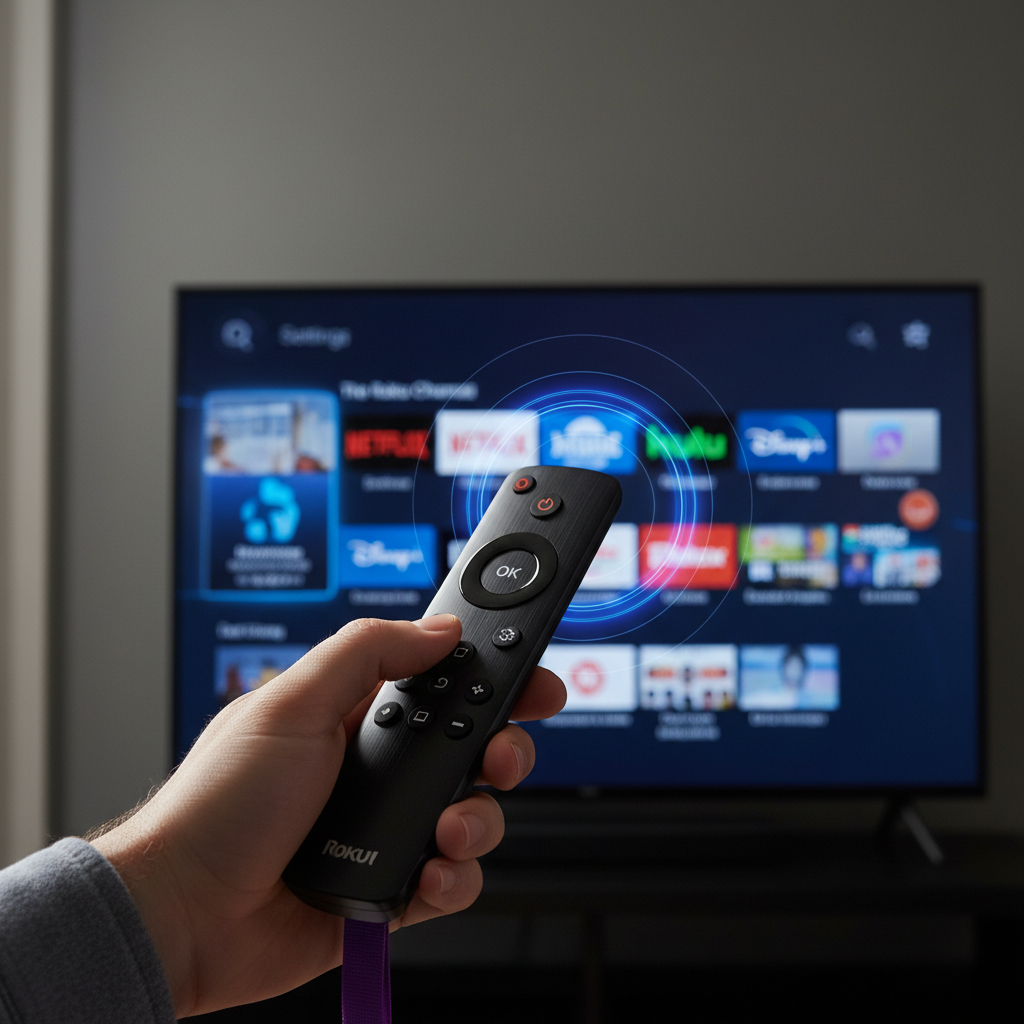
If you’re a Roku user, you know the magic these streaming devices bring to your entertainment. From Roku TVs to dedicated sticks and soundbars, they offer vast content at your fingertips. But even beloved tech can slow down, leading to frustrating glitches.
I’ve invested heavily in the Roku ecosystem, with multiple TVs, streaming sticks, and even a soundbar. Despite my affection, a common complaint is the performance lag that builds over time. Fortunately, I’ve discovered a simple trick that makes your Roku feel brand new in less than a minute.
The Annoying Reality of Slow Roku Performance
It starts subtly – Netflix taking extra seconds to load, or Disney+ hanging on its logo. While not life-altering, these slowdowns are frustrating when trying to unwind. Such sluggishness often stems from accumulated temporary data, known as cache.
Like any computer, your Roku device stores temporary files, or cache, to speed up app loading and performance. This cached data helps apps open quickly. Unfortunately, this cache can become cluttered or corrupted, ironically hindering performance and causing issues.
Unlocking Your Roku’s Hidden “Clear Cache” Shortcut
You might expect a “clear cache” button like on other streaming devices or web browsers. Roku devices, however, don’t offer such a straightforward menu option. Instead, a specific remote shortcut performs a “soft reset,” effectively clearing troublesome temporary data.
This soft reset differs from simply restarting your Roku, though that also helps. A full power cycle by unplugging the device is the most thorough method, clearing cache completely. However, the soft reset shortcut offers a quick, convenient alternative with impressive results.
To perform this soft reset and clear your Roku’s cache, use your physical remote or the Roku mobile app’s remote. Simply enter the following button sequence in rapid succession:
- Press the Home button five times.
- Press the Up arrow once.
- Press the Rewind button twice.
- Press the Fast Forward button twice.
After entering the sequence, your Roku screen might freeze briefly before restarting. You won’t see a “cache cleared” notification, but the process works its magic. Post-restart, you’ll immediately notice significant improvement: sluggishness gone, apps opening faster, and glitches disappeared.
Beyond the Cache: Other Troubleshooting Tips
While clearing cache is a powerful first step, an app might still act sluggishly afterward. This indicates the issue wasn’t just temporary data. In such cases, removing and reinstalling the problematic app often resolves it by forcing a fresh download.
Remember, Roku devices have finite storage and memory. If your home screen is cluttered with unused apps, delete those you haven’t touched in months. Regularly decluttering your app library contributes to smoother performance and frees up resources.
Making it a Habit: Keeping Your Roku Running Smoothly
You don’t need to clear your Roku’s cache daily; constant restarting becomes tedious. Yet, waiting until your device noticeably bogs down isn’t ideal. Aim for a monthly routine to prevent most performance issues before they become frustrating.
A simple reminder on your phone can greatly help maintain this habit. Set it for an evening when you’re likely watching TV, making the quick reset convenient. This proactive approach ensures your Roku consistently delivers a fast, responsive streaming experience.
This low-risk, high-reward fix addresses the biggest Roku complaint: gradual buildup of slow, sticky performance. By incorporating this simple trick, you’ll keep streaming apps responsive and resolve most glitches. If your Roku is lagging, freezing, or taking too long, try this method – and set that monthly reminder!
Source: ZDNet – AI
