Immutable Linux distributions are rapidly gaining popularity, offering a significant boost in security in an increasingly vulnerable digital landscape. By mounting critical system directories as read-only, these operating systems prevent unauthorized or accidental modifications, greatly enhancing overall stability.
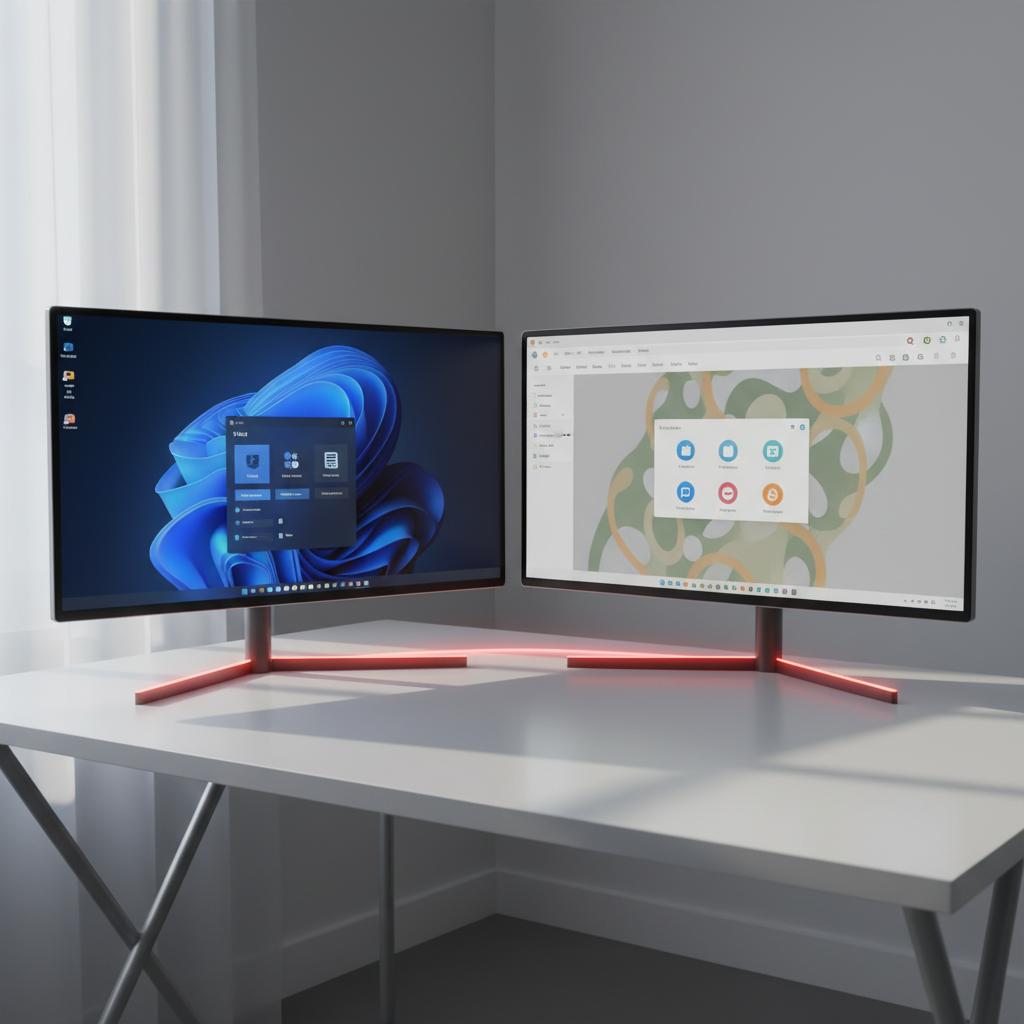
Fedora, a leading innovator in the Linux world, provides two distinct immutable options: Fedora Silverblue and Fedora Kinoite. While both share the same robust, atomic foundation, their core difference lies in the desktop environment they offer to users.
This makes choosing between them primarily a matter of personal preference for your daily computing interface. Let’s explore what each offers to help you decide which immutable Fedora experience is the perfect fit for you.
Fedora Kinoite: The Feature-Rich KDE Plasma Experience
Fedora Kinoite is the immutable Fedora variant dedicated to the elegant and highly customizable KDE Plasma desktop. It expertly blends the security benefits of an immutable base with one of Linux’s most user-friendly and feature-packed graphical environments.
KDE Plasma excels in offering a familiar experience, particularly for those transitioning from Windows. Its traditional layout, complete with a bottom panel, comprehensive menu, and quick launch icons, makes it incredibly intuitive and easy to navigate.
Beyond its traditional appeal, KDE Plasma is renowned for its deep customization capabilities. Users can effortlessly tailor everything from themes and widgets to panel layouts, crafting a desktop that perfectly matches their aesthetic and workflow preferences.
On an immutable system like Kinoite, application installation primarily occurs via container technologies, specifically Flatpak. This method ensures that applications run in isolation without altering the core read-only operating system, preserving system integrity and security.
When you first use KDE Discover, Kinoite’s software center, you’ll find that the widely used Flathub repository isn’t enabled by default. To unlock the full breadth of Flatpak applications, you’ll need to manually add Flathub through Discover’s settings.
While installing Flatpak apps might take a moment longer than traditional packages, this slight overhead is a small price for significant security gains. The isolated nature of Flatpaks dramatically reduces the risk of system compromise.
Kinoite also boasts the unique “rebasing” feature, allowing users to switch underlying Fedora variants, even to a different desktop environment like COSMIC. This powerful capability highlights the flexibility inherent in Fedora’s atomic architecture.
Fedora Kinoite is an ideal choice for users who desire the extensive features and customization of KDE Plasma, coupled with the enhanced security and stability provided by an immutable Linux distribution. It delivers a truly modern, resilient, and personalized desktop experience.
Fedora Silverblue: Embracing the Minimalist GNOME Way
Just as Kinoite embraces KDE Plasma, Fedora Silverblue serves as Fedora’s atomic, immutable offering for the sleek GNOME desktop environment. Both share the same robust immutable core, but present a distinctly different visual and interactive style.
GNOME is celebrated for its minimalist design philosophy, aiming to provide an uncluttered and focused workspace. It prioritizes simplicity and productivity, making it an excellent choice for users who prefer their desktop to get out of their way.
While GNOME’s unique workflow might initially feel different for users accustomed to traditional layouts, its efficiency and modern aesthetic have garnered a strong following. Extensions can further tailor the experience, though GNOME shines in its default, streamlined form.
Silverblue shares Kinoite’s core benefits, including atomic updates, which guarantee system integrity and safe rollbacks in case of update issues. This ensures that your system remains consistently stable and functional, enhancing overall reliability.
A key convenience unique to Silverblue is that its software center, GNOME Software, comes with Flathub support enabled by default. This means you immediately have access to a vast collection of Flatpak applications without any additional setup steps.
When installing apps, you can seamlessly choose between Fedora’s native repositories and the extensive Flathub catalog, streamlining your software management experience. This out-of-the-box integration offers immediate access to a broader range of software.
Fedora Silverblue is perfectly suited for those who appreciate the clean, focused aesthetic of the GNOME desktop, demand the robust security of an immutable OS, and value the immediate, hassle-free access to a broad Flatpak application ecosystem.
The Verdict: Your Desktop, Your Secure Fedora
Ultimately, the decision between Fedora Kinoite and Fedora Silverblue boils down to one crucial preference: your chosen desktop environment. Do you gravitate towards the rich features and deep customization offered by KDE Plasma, or the streamlined elegance and focused simplicity of GNOME?
Regardless of your choice, both distributions provide the exceptional benefits of Fedora’s immutable OS strategy. You’ll gain enhanced security, unparalleled stability through atomic updates, and the cutting-edge performance of the underlying Fedora Linux system.
Consider trying both in a virtual machine or via a live USB to truly experience their unique flavors. Whichever path you choose, you’re embracing a secure, reliable, and forward-thinking Linux operating system designed for the demands of modern computing.
Source: ZDNet – AI
