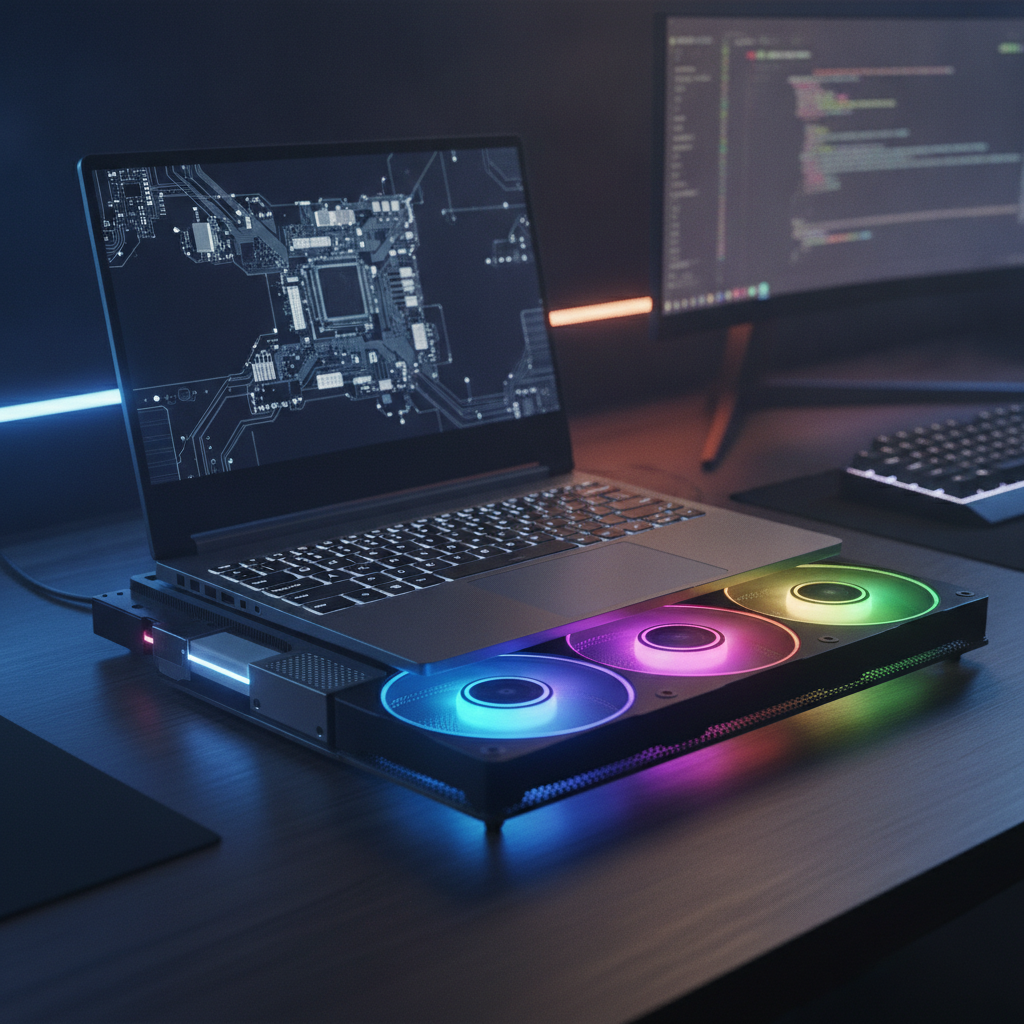
In today’s fast-paced digital world, our laptops are often pushed to their limits, whether we’re deep into a marathon gaming session, crunching numbers for work, or editing high-resolution video. While modern laptops are powerful, intensive tasks generate significant heat, which can quietly degrade performance and even shorten your device’s lifespan.
That’s where a reliable laptop cooling pad comes in, acting as an essential accessory to maintain optimal temperatures and ensure smooth, consistent operation. We’ve rigorously tested a wide range of cooling pads, from budget-friendly models to high-performance units, to help you make an informed decision.
Why Your Laptop Needs a Cooling Boost
Overheating is a common enemy for any laptop user. When internal components get too hot, your system automatically throttles its performance to prevent damage, leading to frustrating slowdowns and stuttering. Prolonged exposure to high temperatures can also accelerate wear and tear on sensitive hardware, potentially leading to costly repairs or premature device failure.
A quality laptop cooling pad improves airflow around and beneath your device, actively dissipating heat and maintaining lower operating temperatures. This translates directly to sustained peak performance, a more comfortable user experience, and a healthier, longer life for your valuable laptop. It’s a small investment that offers significant returns in stability and longevity.
Our Top Picks: Expert-Tested for Performance and Value
Finding the perfect laptop cooling pad can be challenging, given the multitude of options available. Our expert testing process, which included hands-on evaluations of new contenders like the Liangstar Laptop Cooling Pad and the IETS GT20UB vacuum cooler, focused on cooling efficiency, build quality, features, and overall value.
We’ve narrowed down the field to highlight the best cooling pads for various needs, from gamers seeking extreme performance to professionals looking for quiet, ergonomic solutions. Here are our top recommendations, each designed to keep your device running cool and smooth.
Best Overall: Llano V12 Laptop Cooling Pad
The Llano V12 Laptop Cooling Pad stands out as our top recommendation for its exceptional performance and thoughtful design. It features a recessed fan surrounded by soft foam, creating a unique vacuum-like effect that dramatically pulls hot air away from your laptop’s surface, even on older, heat-prone gaming machines.
Equipped with an impressively powerful 2,800 RPM fan, this pad delivers robust cooling that can handle even the most demanding workloads. We particularly appreciate the option to power the device from a traditional wall outlet, freeing up valuable USB-A ports. Plus, its vivid RGB lighting adds a striking aesthetic, making it a great addition to any setup.
This cooling pad is ideal for anyone with a high-performance laptop prone to overheating, especially those who regularly engage in resource-intensive tasks such as gaming, video editing, or heavy software use. The Llano V12 will ensure your machine performs at its best without compromise.
While the Llano V12 offers premium cooling, it is one of the more expensive options on our list, typically priced around $96 when on sale. Its size might also make it less suitable for frequent travelers or those on a tight budget. Casual users might find a more affordable alternative sufficient for their needs.
- Dimensions: 16.9 x 12.9 x 2.7 inches
- Weight: 4.69 pounds
- Max laptop size: 19 inches
- Fan RPM: 2,800 RPM
- USB passthrough: Yes
- LED lighting: Yes
Best for Value: Klim Everest Laptop Cooling Pad
The Klim Everest Laptop Cooling Pad masterfully balances impressive cooling performance with an accessible price point, making it our top choice for value. Its twin turbine fans generate significant airflow, spinning at up to 4,300 RPM each, effectively cooling even the warmest laptops.
While Klim recommends using it primarily with laptops featuring bottom vents, our testing revealed it’s powerful enough to cool devices without them, showcasing its versatility. Beyond its cooling prowess, the Everest is large, sturdy, and ergonomically designed, angling your laptop for improved comfort during long sessions.
Additional features like adjustable fan speeds, USB pass-through, and LED lighting further enhance its appeal, providing a well-rounded accessory. This makes the Klim Everest an excellent fit for students, professionals, and gamers who need premium performance without breaking the bank.
One minor drawback to consider is the fan noise; at higher settings, the Everest can get quite loud. While you can reduce the fan speed to mitigate this, individuals particularly sensitive to noise or those working in quiet environments might prefer a quieter alternative.
- Dimensions: 16.8 x 2.7 x 12.7 inches
- Weight: 2.49 pounds
- Max laptop size: 17.3 inches
- Fan RPM: 4,400 RPM
- USB passthrough: Yes
- LED lighting: Yes
Best Budget Option: Liangstar Laptop Cooling Pad
For those seeking effective cooling without a significant investment, the Liangstar Laptop Cooling Pad stands out as one of the best budget-friendly options available. This pad features six fans, providing decent airflow to keep your laptop’s temperatures in check during everyday use.
A thoughtful design choice is the ability to control the fans in two separate groups using the dual scroll wheels located on the back of the pad. This allows for customized cooling tailored to your laptop’s specific heat zones, enhancing efficiency while keeping costs low.
Finding Your Perfect Cooling Companion
Choosing the right laptop cooling pad depends heavily on your individual needs and how you use your device. Consider factors such as your laptop’s size, the intensity of your daily tasks, and whether portability or silent operation are key priorities for you. A gaming enthusiast might prioritize high RPMs and aggressive cooling, while an office user might seek a quieter, more understated design.
Regardless of your specific requirements, investing in a high-quality cooling pad is a proactive step towards maintaining your laptop’s health and maximizing its performance. By keeping temperatures in check, you ensure your device remains a reliable workhorse or a powerful gaming machine for years to come.
Source: ZDNet – AI
