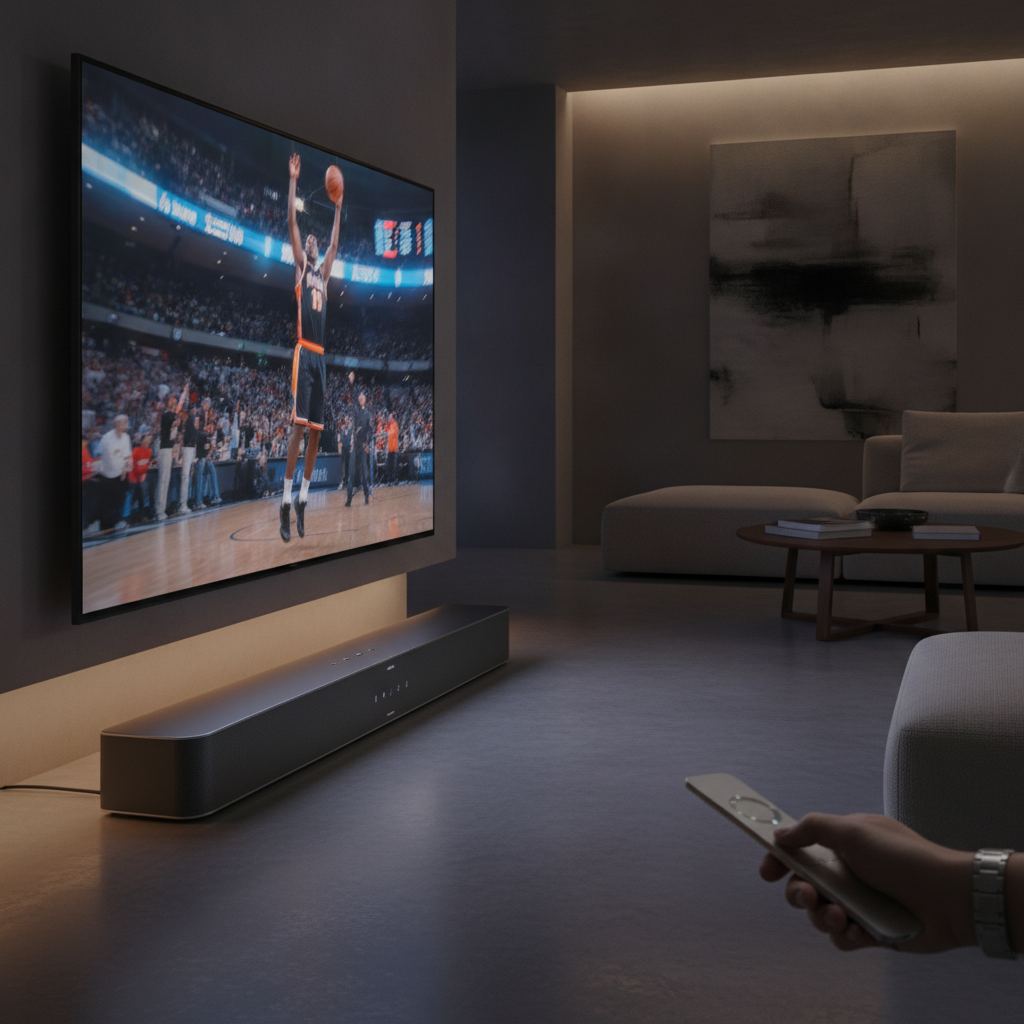
There’s nothing quite like the thrill of a live sporting event, but when you can’t be in the stadium, watching the big game from the comfort of your own home is the next best thing. Whether it’s basketball, soccer, baseball, or football, getting your soundbar’s audio settings just right is crucial for an immersive experience. Before the whistle blows or the first pitch is thrown, a few strategic tweaks can transform your home viewing into a stadium-like atmosphere.
Many sports fans rely on over-the-air, cable, or satellite broadcasts, which can sometimes deliver surprisingly fuzzy or degraded audio quality. This can lead to missed commentary, overpowering crowd noise, or a general lack of clarity that pulls you out of the action. Fortunately, your soundbar is likely packed with features designed to combat these common audio challenges and provide you with a superior listening experience.
Setting the Stage for Optimal Game Day Audio
When you’re settling in for the big game, it’s important to recognize that the audio profile for live sports is very different from that of movies or music. Settings that are perfect for a blockbuster film might actually detract from your ability to hear crucial commentary or on-field action during a broadcast. Knowing which adjustments to make can make all the difference, ensuring you catch every play and every call.
The good news is you don’t need to be an audiophile to make these improvements. Most modern soundbars include user-friendly features that, with a little attention, can significantly enhance your audio for live sports. Let’s dive into the key settings you should be looking at to achieve the most optimal sound.
Calibrate Your Space for Perfect Sound
One of the most impactful, yet often overlooked, features on many soundbars is room calibration. This sophisticated tool uses either built-in microphones or your mobile device’s mic to measure your room’s unique acoustics. It meticulously analyzes the size, shape, and even your furniture arrangement to optimize the soundbar’s audio output specifically for your viewing space.
Engaging this feature can make a tangible difference in your soundbar’s overall performance. Room calibration works wonders in leveling out bass response, effectively eliminating or significantly reducing that muddy, overpowering bass that can plague many setups. It also drastically improves dialogue performance by cleverly leveraging your room’s characteristics to balance audio channels, ensuring voices cut through the background.
Taming the Roar: Bass & Dialogue Adjustments
Sporting events are often filled with intense bass, whether it’s from dramatic musical intros or the thunderous roar of a stadium crowd. If you find yourself struggling to hear commentators highlight player stats over background music or booming crowd noise, your soundbar’s bass levels are likely too high. Reducing the bass can prevent it from drowning out crucial dialogue and on-field sounds.
Most soundbars offer an easy way to adjust bass directly in their settings menu. A subtle reduction can go a long way in bringing clarity to the broadcast, allowing you to focus on the game and commentary rather than overwhelming low frequencies. Experiment with a few levels to find the perfect balance that suits your room and preferences.
Beyond bass, your soundbar almost certainly includes a dialogue or speech enhancement feature. Activating this mode or adjusting its strength is crucial for clear commentary. This setting works by enhancing midrange frequencies—where human voices primarily reside—while gently dampening the high and low ranges. The result is consistently clearer, more intelligible voices, even amidst the chaos of a live game.
Another excellent, often complementary, feature to consider is a night sound or night listening mode. If you’re catching the tail end of a primetime game and want to avoid disturbing others, this mode is a lifesaver. Along with dialogue enhancement, it intelligently dampens the intensity of loud sounds while preserving dialogue volume, allowing you to hear every word clearly without excessive volume fluctuations.
Elevate Immersion: Consider Rear Speakers
While adjusting your soundbar’s built-in features can significantly improve your audio experience, adding rear speakers takes immersion to another level. These additional speakers relieve some of the audio output load from your main soundbar, allowing it to focus more intently on dialogue and critical front-channel sounds. Meanwhile, rear speakers introduce ambient crowd noise and other background elements, truly wrapping you in the stadium atmosphere.
For those looking for the ultimate auditory experience, especially with modern broadcasts, rear speakers become indispensable. Some streaming services, like Peacock, now offer sporting events in advanced formats like Dolby Atmos spatial audio. If you’re preparing to watch an upcoming season with this incredible technology, rear speakers add a layer of depth and realism that your soundbar simply cannot deliver on its own, placing you right in the heart of the action.
By taking a few moments to adjust your soundbar’s settings and considering the potential of rear speakers, you can transform your home into the ultimate sports-watching venue. Don’t let muddled audio detract from the excitement of the big game. With these simple tweaks, you’ll hear every whistle, every cheer, and every crucial comment with crystal-clear precision.
Source: ZDNet – AI
