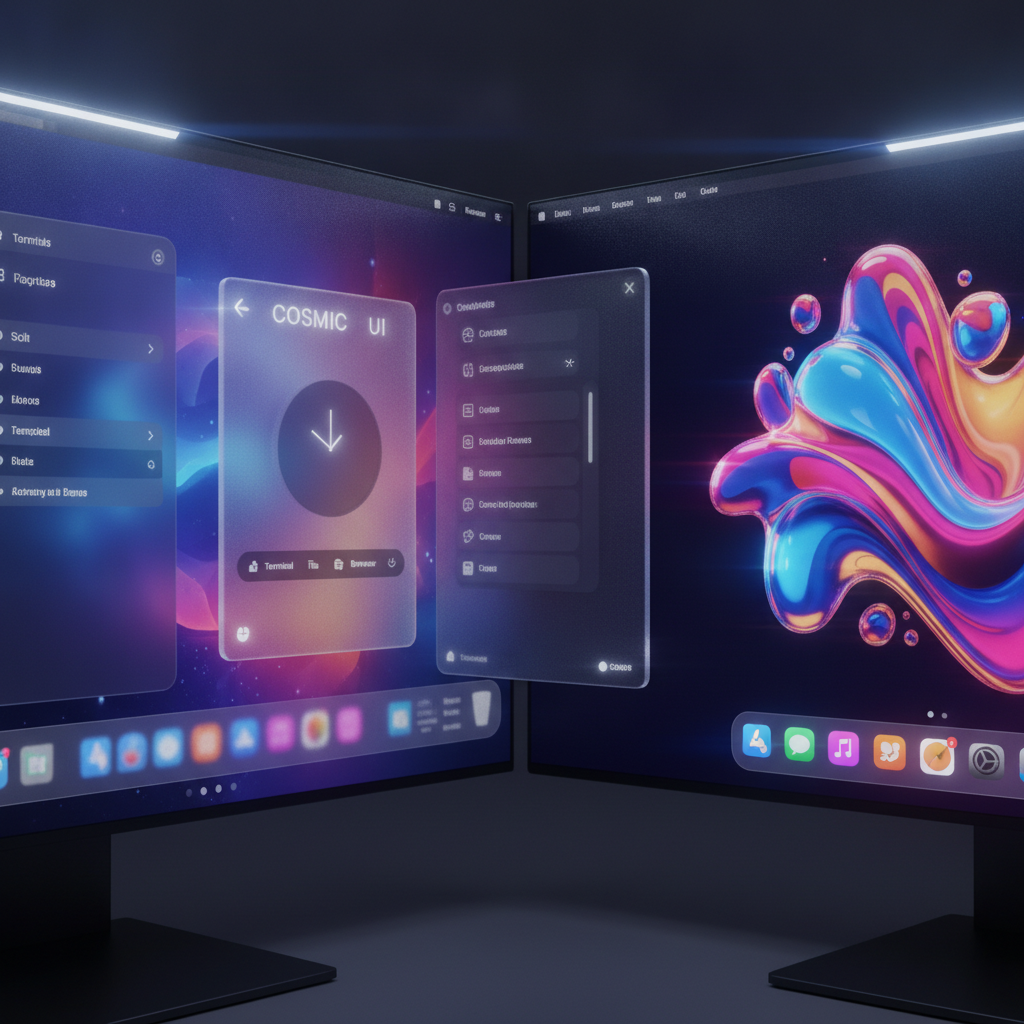
For years, when the conversation turned to the most beautiful desktop user interfaces, Apple’s macOS often topped the list. Its polished aesthetic and smooth animations have long set a high standard for visual computing. While Linux users have championed environments like KDE Plasma for their increasing sophistication, a new contender has emerged from the labs of System76, ready to redefine desktop elegance.
This challenger is COSMIC, a relatively new Linux desktop environment built from the ground up using the modern Rust programming language. From its inception, COSMIC has rapidly evolved, impressing many with its performance and design philosophy. Now, with the introduction of its groundbreaking Frosted Glass effect, COSMIC isn’t just catching up; it’s arguably pulling ahead in the desktop UI beauty contest.
A New Era of Desktop Elegance
The journey to Frosted Glass began in 2024 when System76 first announced this ambitious visual enhancement. Initially, the concept of a blurred transparency effect sparked moderate excitement, but no one quite anticipated the profound impact it would have. As it turns out, COSMIC’s Frosted Glass isn’t just an improvement; it’s the realization of what many users imagined MacOS’s Liquid Glass was meant to be.
This stunning feature introduces an elegantly soft, blurred transparency to various windows and UI components across the COSMIC desktop. Imagine the subtle, out-of-focus background effects you see on login screens, the Android App Drawer, or certain menus in macOS; Frosted Glass takes that concept to an entirely new level. It creates a depth and sophistication that is simply captivating, transforming the entire user experience.
The Visual Revolution: What Frosted Glass Delivers
The application of Frosted Glass across COSMIC’s native applications is where its brilliance truly shines. Take the COSMIC terminal app, for instance: with Frosted Glass enabled, the entire terminal window gains a beautifully blurred background, allowing glimpses of your desktop wallpaper or other open applications to softly show through. This isn’t just a gimmick; it enhances focus while maintaining an open, airy feel.
This layered appearance extends to many other essential tools within the COSMIC ecosystem. You’ll find the same delightful effect applied to the COSMIC System Monitor, the COSMIC File Manager, the COSMIC Text Editor, and even the COSMIC App Launcher. Each element contributes to a cohesive and stunning visual experience, creating an unparalleled sense of depth and modernity that truly sets COSMIC apart.
Experience the Transformation: Getting Frosted Glass
Integrating Frosted Glass into your COSMIC desktop environment is surprisingly straightforward. If you’re running Pop!_OS 24.04, the process is as simple as performing a standard system upgrade. Just open the COSMIC Store—which, by the way, also receives the Frosted Glass treatment—navigate to the Updates section, and apply all available upgrades. After a quick reboot, your system will be ready for the visual transformation.
Once you’ve rebooted and logged back in, enabling Frosted Glass is a breeze. Head over to Settings (another application that benefits from the new aesthetic) and follow the path: Desktop > Style > Frosted Glass. From there, you can easily activate the feature for your preferred UI elements. Fine-tune the “frost thickness” and “glass opacity” to achieve your perfect look, customizing the blur and transparency to your exact liking within minutes.
Raising the Bar: COSMIC vs. Liquid Glass
Apple undoubtedly had a golden opportunity with Liquid Glass to propel desktop user interfaces to new heights. While macOS’s UI is far from unattractive—I’ve personally appreciated it on my MacBook Pro and Apple Studio—the arrival of COSMIC’s Frosted Glass fundamentally shifts the landscape. Suddenly, Apple’s Liquid Glass, despite its merits, appears somewhat muted and uninspired in comparison.
System76 has not just iterated on an existing concept; they’ve set a new, remarkably high benchmark for desktop visual design. The elegant subtlety and immersive quality of Frosted Glass demonstrate a profound understanding of aesthetics and user experience. Even if Apple were to revisit Liquid Glass, it’s hard to imagine them surpassing the innovative and beautiful standard COSMIC has now established.
To the visionary designers and dedicated engineers at System76, a sincere round of applause is due. Their meticulous work with COSMIC, and especially with the Frosted Glass effect, stands as a testament to the fact that Linux continues to push boundaries and innovate. It’s clear that when it comes to cutting-edge desktop UIs, Linux is not just competitive; it’s leading the charge, and that doesn’t seem likely to change anytime soon.
Source: ZDNet – AI
