The moment has arrived for Android users, as Android 17 makes its official debut! While perhaps not as dramatic a leap as previous generational upgrades, this new release of our beloved mobile operating system certainly brings a suite of compelling features that are set to enhance your daily smartphone experience. For those of us running Pixel devices, like my Pixel 9 Pro, the update began rolling out promptly, taking about 30 minutes for a smooth download and installation process.
Other Android users can expect to receive the update in due course, as manufacturers tailor it for their specific handsets. Diving straight in, I’ve had the chance to thoroughly explore the new additions, and a few immediately jumped out as true game-changers. Get ready to discover the most exciting features that are poised to redefine how you interact with your Android device.
Transform Your Device: Desktop Mode and Advanced Multitasking
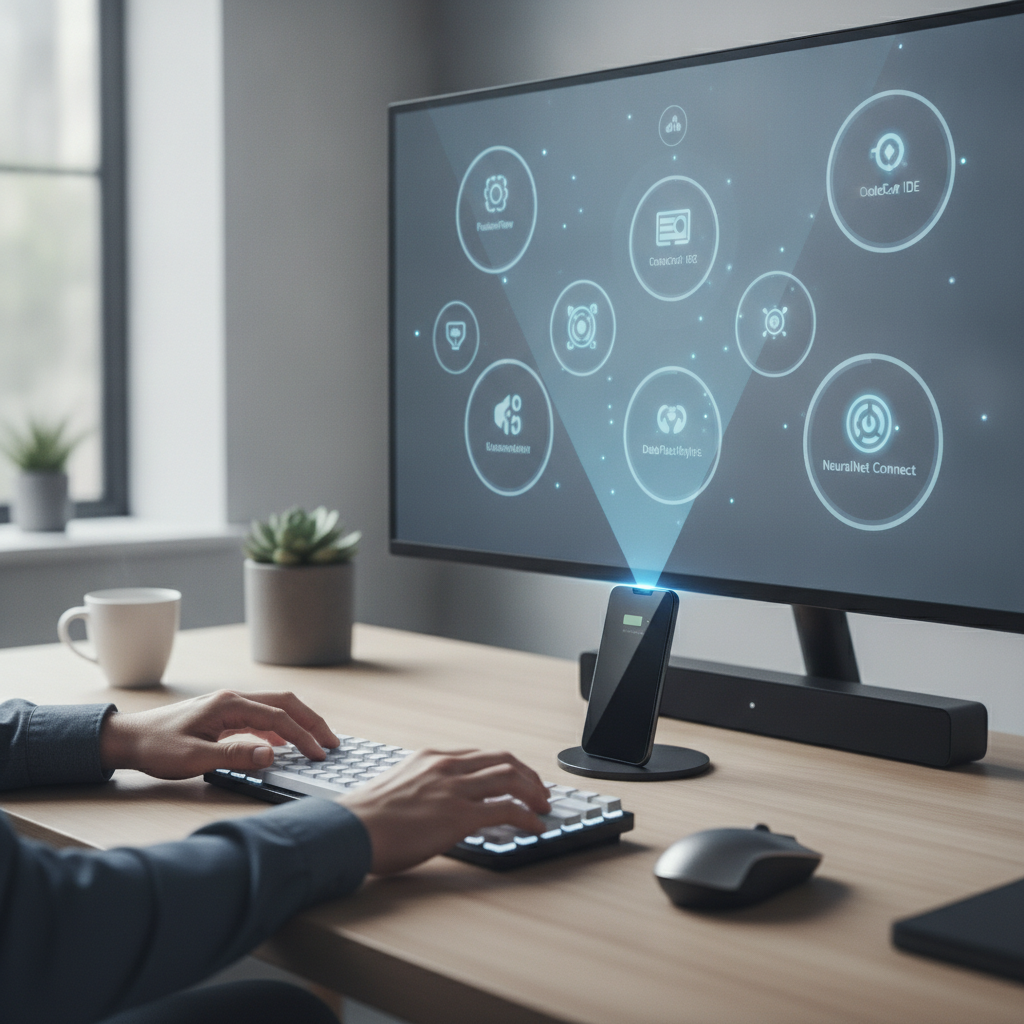
First on the list, and a feature that has truly captured my imagination, is the new Android Desktop Mode. This innovative addition allows you to transform your Android phone into a full-fledged desktop experience simply by connecting it to an external monitor and pairing a Bluetooth mouse and keyboard. It’s Google’s polished answer to Samsung’s DeX, and it works with remarkable fluidity, even exceeding expectations during its beta phase.
Desktop Mode represents a significant leap for productivity, enabling a more versatile computing experience directly from your pocket. Imagine leaving your laptop at home and still being able to tackle complex tasks with the comfort of a larger screen and physical peripherals. This capability alone could redefine how many Android users approach their daily workflow, blurring the lines between mobile and desktop computing.
Another monumental stride in Android multitasking comes in the form of App Bubbles, my absolute favorite new feature. While message bubbles have been a handy tool, extending this concept to any app takes smartphone interaction to an entirely new level. App Bubbles provide a seamless way to switch between frequently used applications, bringing a desktop-like efficiency to your mobile device.
Activating an App Bubble is simple: just long-press an app launcher and then tap either “Bubble” or the small square icon in the upper-right corner of the pop-up menu. Once bubbled, apps reside as a convenient floating icon on your homescreen, ready for instant access. You can group multiple bubbled apps into a single collection, allowing you to quickly navigate between your essential tools without cluttering your screen or sifting through recent apps.
Empowering Creators and Streamlining Interaction
For anyone involved in creating how-to guides, tutorials, or sharing screen activity, the new Screen Recording with Selfie Cam feature is a significant upgrade. This functionality allows you to narrate your on-screen actions while simultaneously displaying your own video feed, providing a much more engaging and personal touch to your content. It’s an invaluable tool for educators, tech reviewers, and anyone looking to simplify complex instructions for others.
Enabling this feature is straightforward: simply pull down your Quick Tiles, tap “Screen recording,” and ensure the “Selfie cam” option is activated before you begin. This seamless integration means you no longer need separate editing software to combine your screen recording with your commentary. It’s an instant solution for producing professional-looking instructional videos directly from your phone.
The Improved Recent Apps Page also introduces a welcome quality-of-life enhancement for daily Android use. Now, when you access your recent applications (typically with an upward swipe from the bottom of the screen), each app entry includes its full name and a convenient drop-down menu. This intuitive design streamlines your interaction with running applications, making common tasks more accessible.
Within this new drop-down menu, you’ll find several useful options at your fingertips, making it easier to manage your active apps. Key actions now readily available include:
- Pin the app: Keep an app active in memory.
- Split the screen: Quickly enter split-screen mode for enhanced multitasking.
- Take a screenshot: Capture the current app’s screen instantly.
- Select the app: Highlight and interact with specific content within the app.
- Clear recent apps: Close all or select recent applications with ease.
Peeking into the Future: Linux GUI & Visual Enhancements
A truly exciting, albeit currently experimental, development in Android 17 is the evolving Linux terminal, which is laying the groundwork for running full-blown Linux GUI applications. You can glimpse this future by tapping the GUI icon within the Linux terminal, revealing the initial stages of this powerful integration. While it’s not yet fully usable for everyday tasks, it signals a massive leap for developers and power users.
My initial tests showed the feature is still very much under construction; attempting to install applications proved challenging, requiring a terminal app reset to restore functionality. However, the ability to log in with a new user account hints at the potential for installing full desktop environments like Xfce in the future. This groundbreaking move could eventually turn an Android phone into an incredibly versatile, portable Linux workstation, opening up a world of possibilities for advanced computing on mobile.
Finally, for those who cherish visual fidelity, Enhanced HDR Brightness is a feature you’ll undoubtedly appreciate. If you frequently consume High Dynamic Range (HDR) content, whether it’s videos or images, this setting allows you to fine-tune how that content is displayed on your device. It offers precise control over the visual dynamics, ensuring your HDR media truly pops with vibrant colors and stark contrasts.
To maximize the impact of your HDR videos and images, simply enable Enhanced HDR brightness and adjust the slider to your preferred level. This fine-tuning can make a substantial difference, bringing out breathtaking details in bright skies or deep shadows, and ensuring your HDR content is displayed exactly as it was intended. It’s a small but powerful enhancement that significantly elevates the visual experience on your Android 17 device.
Source: ZDNet – AI
