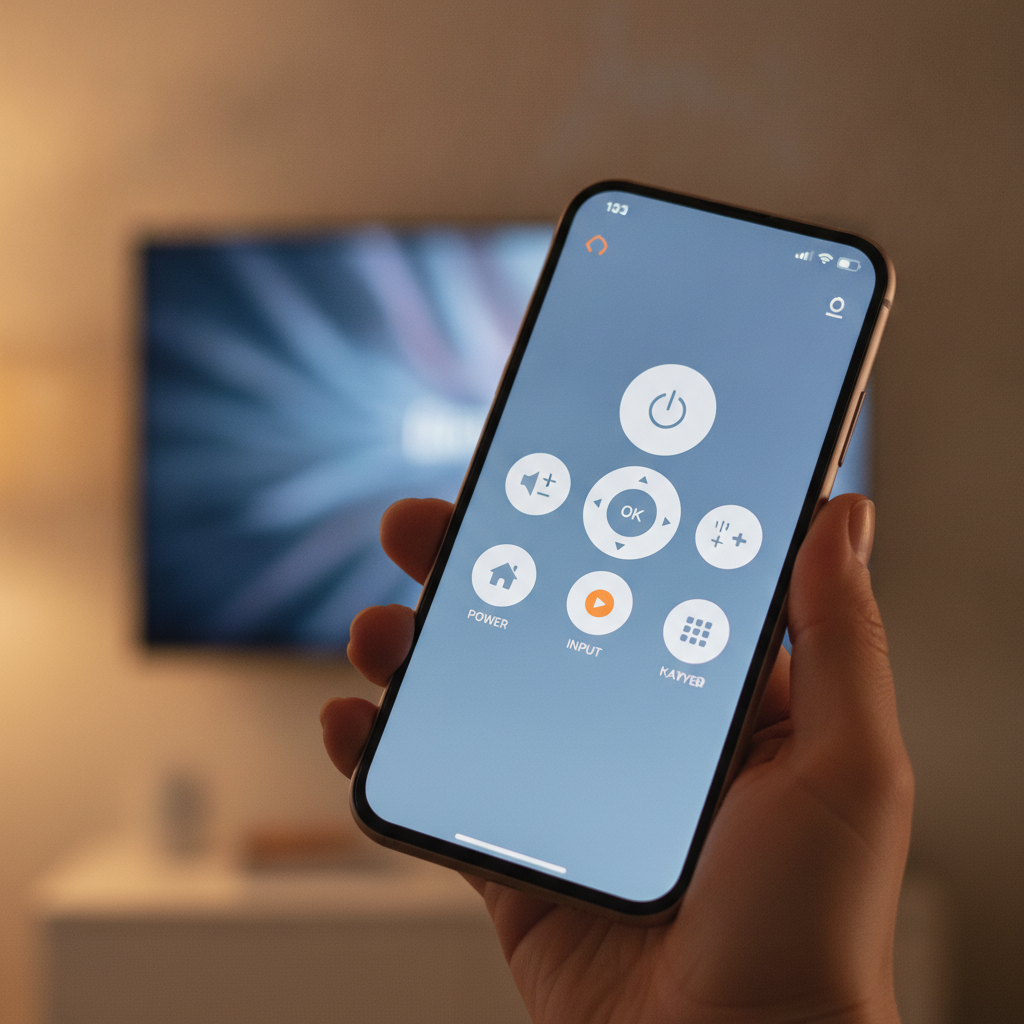
We’ve all been there: fumbling with a new TV remote, wondering how such a crucial device could be so poorly designed. Or, perhaps even worse, you settle in for a night of streaming only to discover the batteries are dead, with no spares in sight. In today’s smart TV landscape, where physical buttons are a rarity, such moments can quickly turn relaxation into frustration.
Thankfully, your smartphone often holds the key to unlocking a smoother entertainment experience. Like many, I embarked on a quest to find a reliable remote app that could rescue me from these common predicaments. My search led me to an unexpected gem: an app called Bluetooth Remote.
Say Goodbye to Remote Frustrations
Initially, I approached Bluetooth Remote with a healthy dose of skepticism. Having tried numerous remote apps for various TVs over the years, I rarely found one that connected seamlessly or offered genuinely intuitive control. Many were clunky, unreliable, or simply failed to recognize my television.
However, this app proved to be a game-changer. It immediately and automatically located my Android TV, establishing a connection with a single, effortless tap. From that moment, I knew I had stumbled upon something truly special – a free remote app that actually delivered on its promise.
Unlocking Seamless Navigation with a Touchpad
Among its many excellent features, the integrated touchpad stands out as an absolute highlight. When activated, a responsive cursor appears on your TV screen, allowing you to navigate menus and select content with the same ease as using a laptop trackpad. This intuitive control completely transforms how you interact with your television.
Gone are the days of laboriously clicking directional buttons to scroll through apps or content libraries. With the touchpad, you can swiftly open your desired streaming service and navigate within it with remarkable speed and precision. This single feature alone makes Bluetooth Remote an indispensable tool for any Android TV owner.
Beyond the innovative touchpad, the app is packed with other practical functionalities designed to enhance your viewing experience. It provides a comprehensive set of controls without feeling cluttered or overwhelming. This balance of features ensures everything you need is right at your fingertips.
- Virtual Keyboard: Type search queries and passwords with ease.
- Number Pad: Quickly input channel numbers or codes.
- Sound and Channel Control: Adjust volume and switch channels directly from your phone.
- Power Off: Conveniently shut down your TV (note: power *on* functionality isn’t supported via Bluetooth).
- TV Menu Control: Access and manage your television’s settings.
- Closed Caption Toggle: Turn captions on or off with a tap.
- Home, Play, Reverse, Rewind: Essential playback and navigation buttons for media consumption.
Simple Setup for Instant Control
Getting started with Bluetooth Remote is as straightforward as installing any app from the Google Play Store. The process is quick and user-friendly, ensuring you’re up and running in no time. You’ll simply need to grant the necessary permissions to allow the app to function correctly.
Upon its first launch, the app will prompt you to accept standard permissions; a quick tap on “Authorize” is all it takes. Once authorized, it will automatically scan your surroundings and display a list of available Bluetooth devices. Simply locate and tap on your television’s listing, and the app should connect without any fuss.
For a successful connection, ensure that Bluetooth is enabled on both your Android phone and your Android TV. Once paired, you’re immediately ready to take command of your entertainment system. The app’s intuitive interface makes controlling your TV a breeze from the very first moment.
Mastering the Touchpad for Ultimate Convenience
Once connected, navigating your Android TV with the app is incredibly intuitive, especially when utilizing the touchpad feature. To activate it, simply tap the small mouse icon located near the top right of the app window. This instantly brings up a responsive touchpad at the bottom of your phone screen.
Moving your finger across this area will cause a cursor to appear on your TV, allowing for fluid point-and-click navigation. You can even employ a two-finger scrolling gesture to effortlessly move up and down through menus and content feeds. While the two-finger scroll can be a bit sensitive initially, a little practice will quickly make it second nature.
The touchpad also fully supports tap gestures, mimicking a traditional mouse click for selecting items. Once you become accustomed to the smooth operation of Bluetooth Remote, you’ll wonder how you ever managed with those clunky, unreliable physical remotes. It truly elevates the entire smart TV experience.
In conclusion, Bluetooth Remote stands out as the finest remote app I’ve encountered for television control. Its blend of simplicity, reliability, and powerful features like the touchpad makes it an essential download for anyone with an Android phone and an Android TV. It consistently delivers a hassle-free way to manage your home entertainment.
Source: ZDNet – AI
