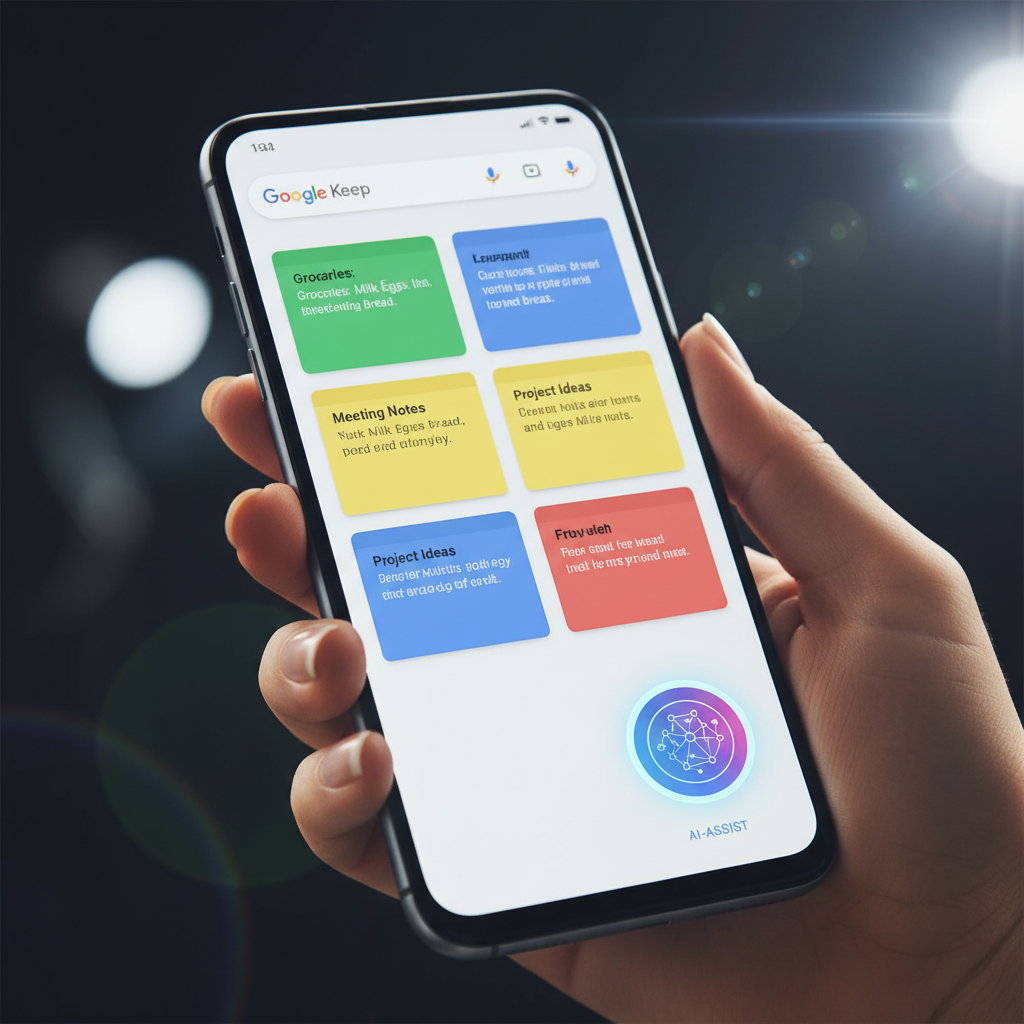
Google Keep has long been the go-to choice for millions seeking a simple yet powerful note-taking solution on Android. Known for its vibrant sticky notes, seamless syncing, and intuitive interface, Keep excels at capturing fleeting thoughts and essential reminders. Recently, users have noticed a subtle yet significant shift in the app’s design: a noticeably larger Floating Action Button (FAB).
This isn’t merely an aesthetic tweak; it represents a deeper evolution, reportedly driven by advancements in artificial intelligence. This enhanced FAB isn’t just taking up more screen real estate; it’s a gateway to a more intelligent and responsive note-taking experience, hinting at Google’s ongoing commitment to integrating AI into its core productivity suite.
A Closer Look at the Revamped FAB
For regular users of Google Keep, the change to the Floating Action Button is immediately apparent. Gone is the previous standard-sized circular button; in its place stands a more prominent, often pill-shaped FAB that aligns with Google’s evolving Material You design language. This larger design emphasizes accessibility and a modern visual appeal across Android applications.
Beyond its increased size, the new FAB often presents more contextual options even before it’s fully tapped. Instead of just a generic “plus” icon, it might show specific creation shortcuts like “New note,” “New list,” or “New drawing,” making note creation faster and more intuitive. This pre-selection of options, driven by AI, guides users towards the most probable action.
The AI Connection: Smarter Note Creation at Your Fingertips
The real story behind this enlarged FAB lies in the artificial intelligence working silently in the background. Google is leveraging AI to make Google Keep more proactive and intelligent, anticipating user needs even before they explicitly state them. This manifests primarily through smart note suggestions and contextual note types.
Imagine opening Keep while browsing a recipe online; the AI might subtly suggest starting a “shopping list” or “recipe note” directly from the FAB. If you’ve just taken a screenshot, the button could automatically offer to create an “image note” with annotations. This contextual awareness streamlines note-taking, reducing friction and saving valuable seconds.
Key AI-driven enhancements include:
- Contextual Suggestions: AI analyzes your device’s activity or recent interactions to offer relevant note types, such as a “Location Note” if you’re using maps or a “Voice Note” after a call.
- Smart Template Prompts: Based on detected patterns in your typing or common note structures, the FAB might offer to auto-populate a checklist or a structured note template, moving beyond simple text entry.
- Enhanced Media Integration: AI continually refines Keep’s ability to interpret scribbles, drawings, and extract text from images. The larger FAB provides quicker access to these improved tools, enhancing visual note-taking.
Boosting Productivity and Elevating User Experience
This AI-powered redesign of the Floating Action Button in Google Keep isn’t just about new features; it’s about fundamentally improving the user experience. By reducing the number of taps and cognitive load required to create the right type of note, Google aims to make Keep an even more indispensable tool for daily productivity. The goal is to make note-taking feel less like a task and more like a seamless extension of your thoughts.
For busy professionals, students, or anyone juggling multiple tasks, quickly capturing information in the most appropriate format is invaluable. The larger, more intelligent FAB positions Google Keep as a smart companion, actively assisting in organizing your information. It signals Google’s view of AI as central to the future of personal organization and efficiency across its ecosystem.
As AI continues to evolve, we can expect even more sophisticated integrations within apps like Google Keep. This current update serves as an exciting preview of how artificial intelligence can transform familiar tools, making them more intuitive, personalized, and ultimately, more powerful. Keep an eye on how these smart features continue to evolve, making your digital life just a little bit easier.
Source: Google News – AI Search
