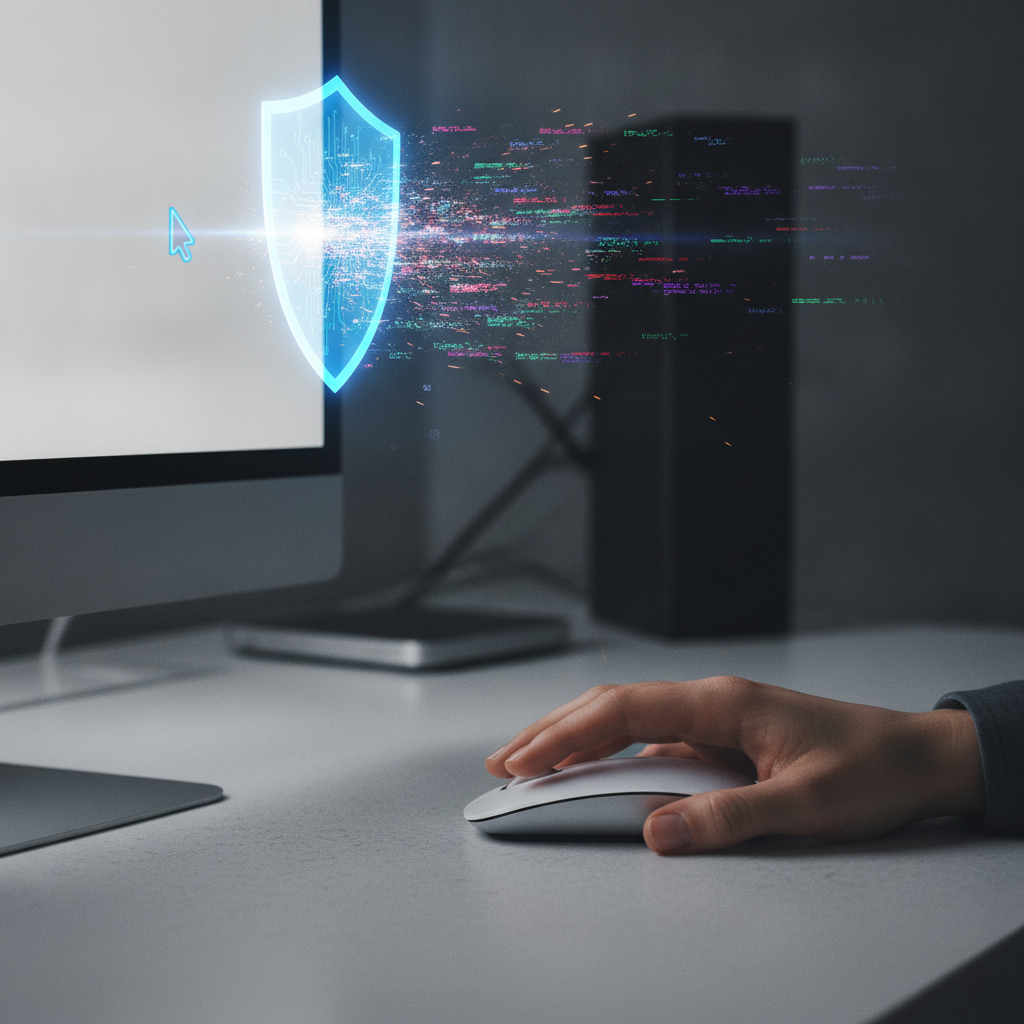
In today’s digital landscape, a simple copy-paste action can hide a sinister secret. Cybercriminals are increasingly using sophisticated social engineering techniques, known as ClickFix attacks, to trick users into compromising their own systems. Thankfully, the Opera browser is stepping up its game with a new, advanced feature designed to detect and block malicious clipboard content before it can wreak havoc.
This innovative solution, called Paste Protect, is set to become a vital shield for anyone who frequently copies and pastes commands or information from websites. It addresses a critical vulnerability that traditional security measures often miss, turning the user’s own actions into a defense mechanism rather than a point of attack.
Understanding the ClickFix Threat
Imagine browsing online when a website suddenly presents you with a “fix” for a minor issue, perhaps a video that won’t play or a CAPTCHA that fails to verify. The site then prompts you to “copy this command to fix the issue” and paste it into your terminal or command prompt. Unbeknownst to you, that seemingly innocent command could be a gateway for malware.
This is the essence of a ClickFix attack: it leverages human problem-solving instincts to coerce users into executing malicious code themselves. Opera points out that over half of malware-loading cyber attacks in 2025 were of this type, with fake CAPTCHA attacks specifically spiking by an alarming 563% last year. These attacks bypass conventional defenses like antivirus software and email filters because the threat originates from the user’s own input, not an external download.
As Pawel Kurzelewski, head of security at Opera, explains, “ClickFix attacks succeed because they turn the user into the weapon.” This alarming trend highlights a significant blind spot in cybersecurity, making built-in browser protection more crucial than ever before.
Introducing Opera’s Advanced Paste Protect
To combat this growing threat, Opera has developed its enhanced Paste Protect feature, building upon a previous iteration. While the earlier “Paste Protection” focused on preventing external applications from hijacking already-copied content—like silently replacing a legitimate bank account number with a malicious one—the new Paste Protect introduces an advanced Injection Protection layer.
This new capability is specifically designed to detect and block malicious commands that are either copied by the user from a website or subtly injected into the clipboard. It acts as the last line of defense, intercepting threats before they can be pasted into critical system interfaces like Terminal or Command Prompt. Opera’s real-time monitoring system is tailored for Linux, macOS, and Windows, recognizing specific patterns associated with known malicious scripts.
When a threat is detected, Paste Protect immediately triggers a warning, displaying a red icon in the address bar and explaining the potential danger. Users can only view the first 120 characters of the blocked content, further safeguarding against accidental execution. This proactive approach ensures that users are informed and protected at the critical moment of potential compromise.
Why Built-in Browser Security Matters
The rise of ClickFix attacks underscores a shift in cybercrime tactics, emphasizing social engineering over brute-force exploits. While browser extensions can offer some protection, Opera stands out as the first browser to integrate this critical clipboard safety functionality directly, activating it by default for all users. This unified system provides a seamless and robust defense without requiring additional installations.
Users also have the flexibility to whitelist trusted websites, allowing for legitimate copy-paste operations without unnecessary interruptions. However, even with Paste Protect actively guarding your clipboard, it’s always wise to exercise caution. Double-check the source and content of any command before pasting it into your system’s terminal, ensuring you explicitly trust its origin.
Opera’s Paste Protect represents a significant leap forward in browser-based security, offering essential protection against a fast-evolving and highly effective cyber threat. By turning the clipboard into a security checkpoint, Opera empowers users to navigate the web with greater confidence, preventing them from inadvertently becoming their own worst enemy.
Source: ZDNet – AI
