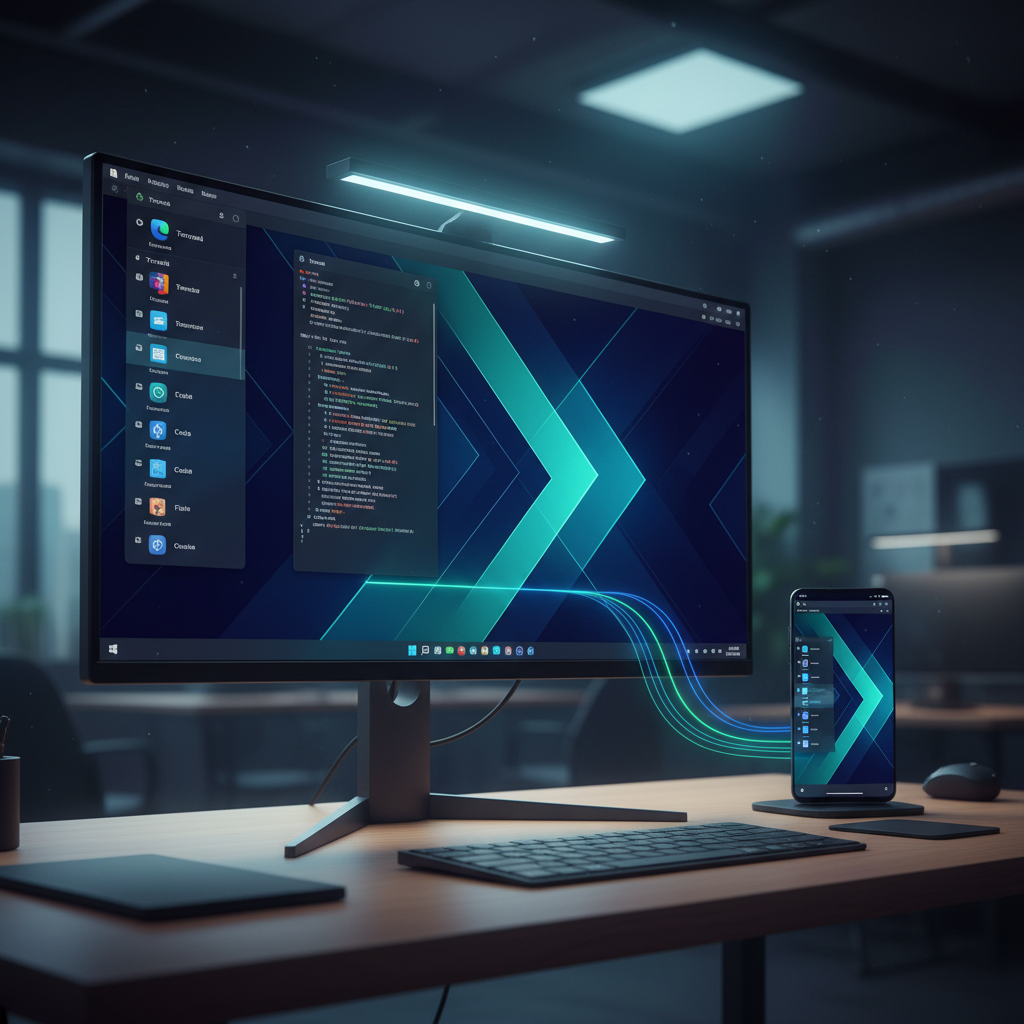
For quite some time now, Rhino Linux has captivated users with its distinctive approach to the desktop Linux experience. It’s been lauded as a “Swiss Army knife” among distributions, particularly for its exceptional Xfce desktop. This visually appealing and user-friendly distro is accessible to all skill levels.
However, significant changes are on the horizon, promising to elevate Rhino Linux to new heights. The developers are embarking on an ambitious journey to bridge the gap between desktop and mobile devices. This concept has proven both groundbreaking and challenging in the past.
The Dream of Convergence: A Look Back and Forward
Years ago, Canonical, the force behind Ubuntu, pioneered the vision of “convergence”—seamlessly merging desktop and mobile operating systems. The core idea was elegant: connect your smartphone to a monitor, keyboard, and mouse, and its mobile interface would gracefully transform into a full-fledged desktop environment. To achieve this, Canonical famously transitioned Ubuntu from GNOME to its in-house Unity desktop, a strikingly beautiful and forward-thinking interface.
Despite its ingenious concept, Canonical’s convergence dream ultimately faced an uphill battle, primarily due to hardware limitations. Only a handful of lesser-known OEMs invested in Unity-powered mobile devices, which often suffered from poor performance and bugs. This made for a frustrating, less-than-ideal user experience.
Eventually, Canonical pivoted, abandoning the convergence initiative and reverting to GNOME. While tech giants like Samsung and Google have since made strides in integrating mobile and desktop, the spirit of convergence lives on. Rhino Linux developers now believe they have the vision to bring this ambitious concept to fruition once more.
First Impressions: Diving into the Lomiri Snapshot
Rhino Linux’s answer to this convergence dream is Lomiri, an ambitious re-imagining of the Unity desktop specifically tailored for their distribution. The goal is clear: to pick up precisely where Canonical left off, bringing that beloved desktop aesthetic and functionality back into the modern era.
Recently, the development team released a snapshot of Rhino Linux featuring the Lomiri desktop, offering a tantalizing glimpse into their progress. Booting into the live instance immediately evoked a strong sense of nostalgia, transporting me back to the glory days of Unity. Naturally, I proceeded with an installation to experience it more thoroughly.
It’s crucial to remember this is an early development snapshot, far from a finished product and inherently buggy. My assumption of unsuitability for daily use was spot on; Lomiri is not yet ready for prime time. Many applications would open but then inexplicably resize, rendering them unusable.
Furthermore, interacting with application titlebars was often impossible, preventing window management. While basic apps like System Settings functioned, complex ones like LibreOffice Writer opened with crucial toolbars missing, severely limiting utility. App menus also exhibited inconsistent behavior.
A peek into System Settings also highlighted the mobile-first focus, with options like Airplane Mode and Rotation Lock prominently displayed. While essential for mobile, these features are largely irrelevant on a desktop, underscoring the early stage of development.
The Road Ahead for Rhino Linux’s Convergence Dream
Despite the current rough edges, there are undeniable positives that shine through in the Lomiri desktop. The visual layout, featuring the familiar side panel and top bar, is remarkably faithful to Unity, immediately conveying that intended aesthetic. The Lomiri menu, though simpler than its Unity predecessor, is nicely done and reminiscent of a clean mobile app drawer.
While the original Unity menu was highly configurable, Lomiri’s simpler approach might actually prove more accessible. Although Rhino Linux’s Xfce iteration is stunning, the Lomiri desktop demonstrates developers’ commitment to bringing similar polish and elegance.
Small touches, like the ability to toggle dark mode in System Settings, indicate attention to detail, even if a minor UI element (the overview icon) doesn’t perfectly adapt to the light theme yet. However, the snapshot also reveals areas needing substantial work, such as the absence of peripheral setup options, limited customization, and non-functional desktop right-click actions.
The ambition of the Rhino Linux developers is genuinely commendable. Their success hinges critically on overcoming the hardware hurdle that tripped Canonical. If they can secure viable, modern mid-to-high-end mobile devices (like Pixel or Samsung phones) to run Lomiri, they could achieve a significant breakthrough. Conversely, confinement to low-end hardware risks repeating past failures.
For those curious to witness this ambitious project in its nascent stages, I recommend testing the Lomiri version of Rhino Linux with the understanding that it is a highly experimental snapshot. Download an ISO, create a live USB drive, and explore the promising, albeit unfinished, vision of desktop-mobile convergence.
Source: ZDNet – AI
