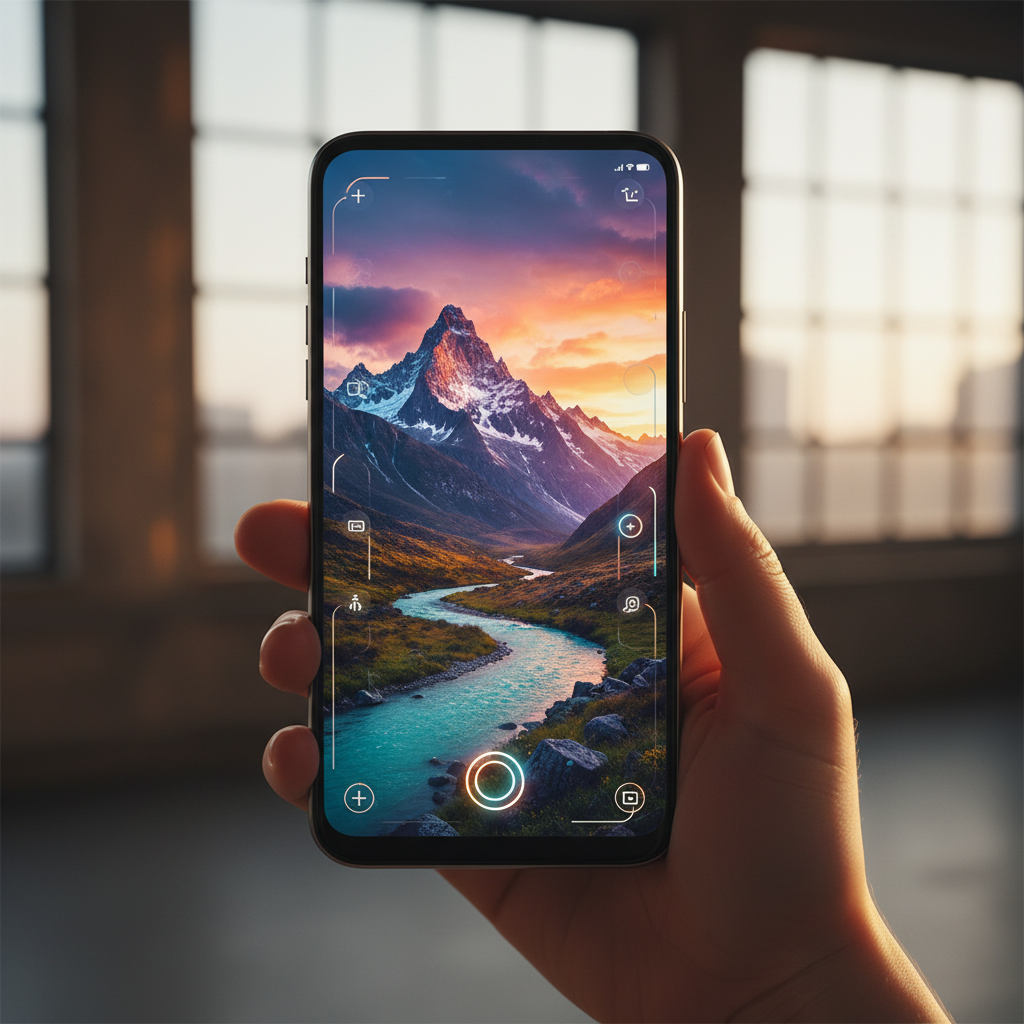
Mobile photography enthusiasts rejoice! Google has just dropped a surprising and significant update for its beloved photo editing application, Snapseed, on Android. This unexpected revamp signals a strong commitment from Google to bring one of the most powerful and professional-grade mobile editors back into the spotlight.
For years, Snapseed has been a go-to tool for quick edits and advanced retouching alike, but recent times saw fewer updates, leading some to wonder about its future. Now, with this substantial refresh, Snapseed is poised to reclaim its throne as a top-tier choice for enhancing your photos directly from your smartphone.
Snapseed’s Grand Return to Android
Snapseed has a rich history, originally developed by Nik Software before being acquired by Google in 2012. It quickly gained a reputation for its intuitive interface and robust set of features, offering desktop-level editing capabilities in the palm of your hand.
However, as other apps emerged and Google’s focus seemed to shift towards Google Photos, Snapseed updates became less frequent. This latest release, therefore, is a breath of fresh air, reminding everyone why Snapseed has always been a fan favorite among photographers of all skill levels.
What’s New Under the Hood? Key Features of the Revamp
While Google often keeps details under wraps, the impact of this update is already being felt by users. The refresh brings a suite of enhancements that significantly boost both performance and creative possibilities, making photo editing smoother and more powerful than ever.
- Enhanced AI-Powered Tools: Leveraging Google’s advancements in artificial intelligence, the updated Snapseed now offers even smarter auto-correction features. Expect more accurate adjustments for exposure, color balance, and even sophisticated background blur effects that rival dedicated portrait modes.
- Refined User Interface (UI): A cleaner, more intuitive user interface makes navigating Snapseed’s extensive toolset a breeze. New gestures and reorganized menus mean you can spend less time searching for tools and more time perfecting your images.
- New Creative Filters & Presets: Expand your artistic horizons with an array of fresh filters and expertly designed presets. These additions offer trendy looks and classic styles, providing instant transformations that can be further fine-tuned to your liking.
- Advanced Selective Editing: Snapseed’s selective editing tools, already a benchmark, have received significant improvements. Users will find even more precise control over brightness, contrast, saturation, and structure in specific areas of their photos, allowing for truly intricate adjustments.
- Improved Performance & RAW Support: Experience snappier load times and smoother editing, especially when working with high-resolution images or RAW files. The enhanced RAW support ensures photographers can extract maximum detail and dynamic range from their shots.
These updates collectively aim to provide a seamless and professional editing experience, solidifying Snapseed’s position as a serious tool for serious mobile photographers. Whether you’re a beginner or a seasoned pro, there’s something new to appreciate.
Why Snapseed Still Reigns Supreme for Mobile Photographers
Even with a plethora of photo editing apps available, Snapseed continues to stand out for several compelling reasons. Its unique blend of professional-grade features and user-friendliness makes it an indispensable tool for anyone serious about their mobile photography.
One of Snapseed’s greatest strengths is that it offers desktop-level editing capabilities completely free of charge. There are no subscriptions, no in-app purchases for core features, just powerful tools at your fingertips. This accessibility democratizes high-quality photo editing for everyone.
Furthermore, Snapseed operates on a non-destructive editing principle. This means you can always revert to your original image or adjust any step in your editing history, giving you complete freedom to experiment without fear of permanently altering your photo. It’s a peace of mind feature that many professional editors rely on.
The app’s intuitive controls, often based on simple swipe gestures, make complex adjustments surprisingly easy. From basic cropping and rotation to advanced brush tools and healing features, Snapseed empowers users to achieve stunning results regardless of their technical expertise.
The Future of Mobile Photo Editing is Bright
This surprise update from Google is more than just a software patch; it’s a statement. It reassures the dedicated Snapseed community that the app is still a vital part of Google’s ecosystem and will continue to evolve to meet the demands of modern photography.
As smartphone cameras continue to advance, so too must the tools used to refine their output. With Snapseed’s renewed focus, users can expect to unlock even greater potential from their mobile devices, transforming everyday snapshots into captivating works of art.
If you haven’t revisited Snapseed in a while, now is the perfect time to download the latest version from the Google Play Store. Discover the enhanced features and rediscover why this powerful, free photo editor remains an essential app for every Android photographer’s toolkit.
Source: Google News – AI Search
