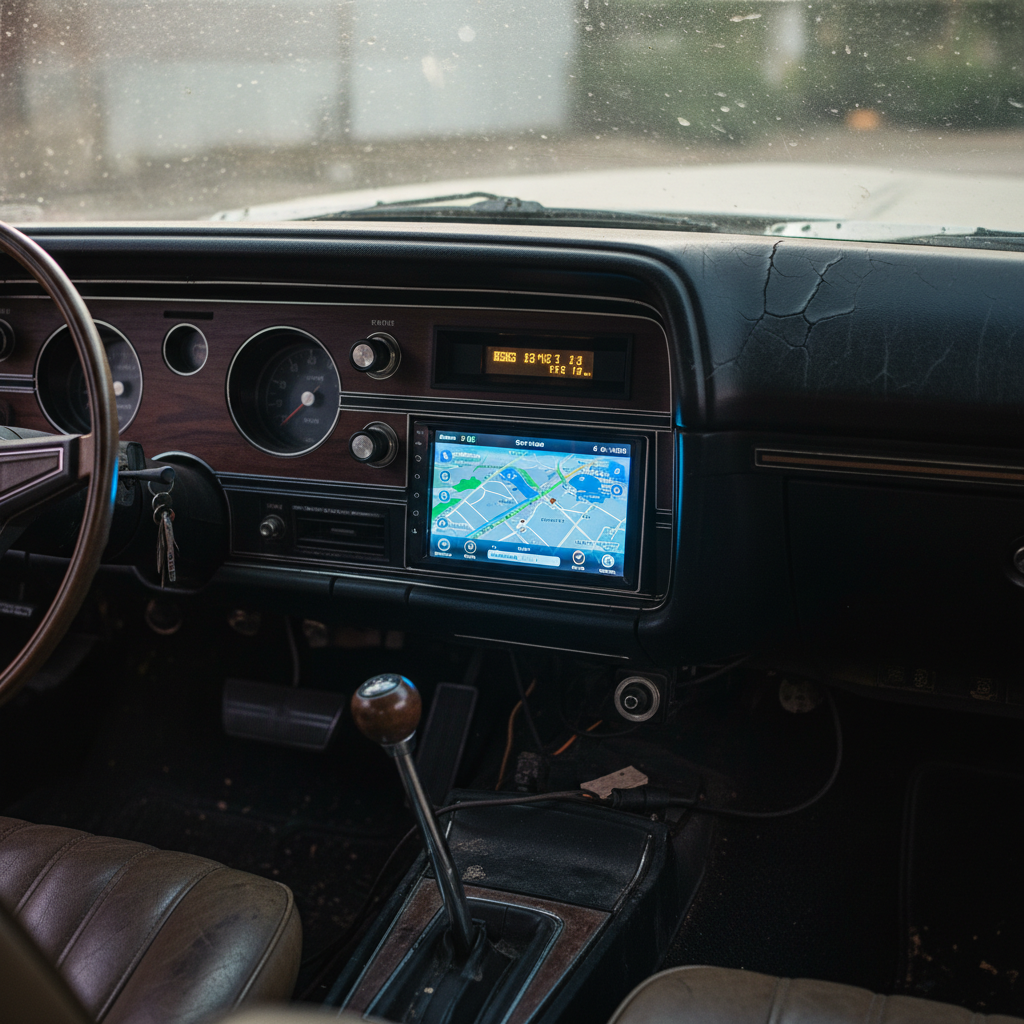
Stepping out of Google I/O this week, my mind raced with the incredible advancements coming to Android Auto. The glimpse into the future was so compelling that my immediate thought was a pang of dread for my own car, innocently parked thousands of miles away. It seems the “AI takeover” across consumer tech is finally bringing the innovation I’ve been hoping for to the driving experience.
As a long-time Android Auto user, I’ve been fortunate enough to experience mostly seamless connectivity over the years. However, witnessing the next generation of features at Google I/O truly set a new benchmark for what’s possible. While a dashboard YouTube player isn’t the main draw, crucial additions like self-generated widgets and deeply immersive navigation promise to fundamentally transform our time behind the wheel.
A Fresh Look: Redesigned Interface and Customization
Hearing Google describe the Material 3 Expressive changes to Android Auto is one thing; experiencing them firsthand in a vehicle is another entirely. The new interface brings a level of polish and intuitive design that makes the car’s display feel less like a collection of disparate apps and more like an extension of your Android tablet. Everything fits and flows seamlessly, with elegant round-edged designs and cohesive color theming.
One standout feature is the new three-panel layout, which cleverly integrates Google Maps, smart home controls, and even a video player. This video player thoughtfully minimizes to audio-only when the car is in motion, prioritizing safety without sacrificing entertainment. This thoughtful design ensures you get rich information at a glance while maintaining focus on the road.
The ability to create your own prompt-generated widgets offers an unprecedented level of personalization. During my demonstration, a Google employee crafted a weather widget that not only showed the forecast but also clearly indicated whether conditions were suitable for running or biking. Imagine asking for a widget that summarizes your morning commute traffic and then suggests local bakeries for a quick stop – the possibilities for tailored convenience are immense.
Navigating the Future with Immersive Maps
Beyond the aesthetic upgrades, the new immersive navigation within Google Maps truly impressed me. This updated display renders buildings, stadiums, hills, and other terrain features with remarkable accuracy and detail. It provides drivers and passengers with a significantly clearer and more intuitive understanding of the path ahead.
For anyone who’s ever struggled with complex road networks, this feature is a game-changer. I personally found myself thinking of New York City’s labyrinthine overpasses and tunnels, where discerning the correct lane for an upcoming turn can be a real challenge. This enhanced visual clarity promises to make navigation less stressful and more straightforward, regardless of your driving environment.
Gemini Takes the Wheel: AI Integration
The integration of AI, particularly Gemini, into hands-free operating systems like Android Auto is a monumental step forward. An intelligent assistant truly shines when it can handle tasks you can’t, allowing you to focus completely on driving. Whether it’s setting a destination, scouting the area, or managing notifications, Gemini is designed to be your indispensable co-pilot.
For vehicles equipped with Android Automotive, Google’s built-in software, Gemini unlocks a new realm of control. During my demo in a Volvo EX60, I witnessed Gemini effortlessly execute vehicle-specific adjustments. Imagine simply asking to darken the sunroof or change the ambient light colors – tasks that previously required fumbling through menus become hands-free commands. Of course, the extent of these capabilities will depend on how well car manufacturers optimize their systems for Android Automotive.
Gemini’s capabilities extend far beyond just in-car adjustments. You can prompt it to order delivery from services like DoorDash and then track its progress directly on your phone. In a truly innovative demonstration, Gemini even utilized the car’s surrounding cameras to handle multimodal queries. For example, it identified the iconic Transamerica Pyramid ahead and immediately offered fascinating facts about the landmark, proving Gemini loves to share its knowledge.
A subtle yet impactful detail that stood out was Gemini’s vastly improved navigation prompts. The voice assistant offered directions like “turn left at the intersection,” a far more intuitive instruction than the traditional “turn left after 0.2 miles.” This shift to more comprehensible, real-world cues makes a significant difference in driver comprehension and safety, especially in busy traffic conditions.
The Road Ahead for Android Auto
Google has indicated that the next major Android Auto update, encompassing most if not all of these exciting features, will roll out in waves later this year. While I remain cautiously optimistic, given that the Assistant-to-Gemini transition hasn’t always been the smoothest across all devices, my initial demonstration at Google I/O left a powerful impression.
The promise of a more intelligent, personalized, and intuitive driving experience is truly compelling. Even if it takes some time for these advanced features to reach every vehicle, the vision Google showcased for Android Auto suggests a future where our cars are not just modes of transport, but truly smart, connected companions on every journey. This is an update worth keeping an eye on.
Source: ZDNet – AI
