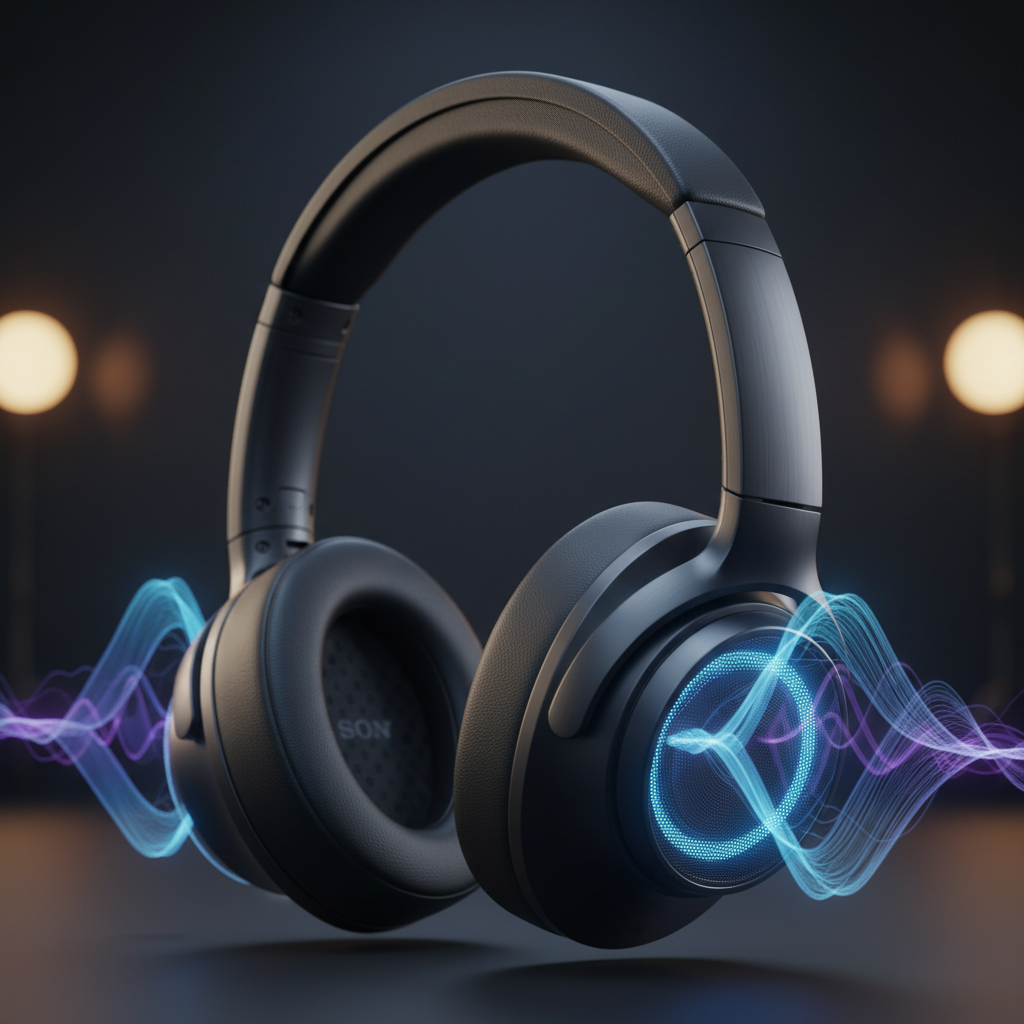
Sony headphones have long been a favorite among audiophiles and everyday listeners alike, consistently delivering impressive sound, top-tier noise cancellation, and a wealth of software features. What truly sets Sony apart is the sheer depth of customization available, allowing users to fine-tune their audio experience down to the most granular details.
However, navigating Sony’s extensive feature list can feel overwhelming if you’re not sure where to start. Having tested these headphones for years, I’ve uncovered some crucial tips and tricks that truly unlock their full potential, making that significant investment even more worthwhile.
Wired Listening: Power On for Premium Sound
If you prefer a wired connection for your Sony WH-1000XM6 headphones, there’s a simple yet crucial step to remember: always ensure your headphones are powered ON before playing any music. While it might seem counterintuitive, this detail makes a huge difference in sound quality.
Keeping the headphones powered on activates their digital signal processing (DSP), which is essential for enhancing sound quality, fullness, and vibrancy. Listening with them off will result in a noticeably tinny, distant, and blurred audio profile. I only recommend wired listening with the power off as a last resort, when your battery is critically low or completely depleted.
Optimizing Wireless Audio with Bluetooth Codecs
For the best possible wireless audio experience with your Sony headphones, understanding Bluetooth codecs is key. While iPhones and Android devices both support the AAC codec (though Apple’s implementation is often more optimized), Android users benefit from greater flexibility, often supporting Sony’s proprietary LDAC codec and the newer LC3 codec.
To achieve the absolute highest quality wireless audio, enable LDAC. This high-resolution codec demands a stable connection and more power, so it’s best utilized in environments without heavy wireless interference. You can fine-tune LDAC in your Android settings or by activating the “Prioritize Sound Quality” feature within the Sony Connect app to ensure peak performance.
If you’re seeking a less power-intensive option that still delivers excellent quality, the LC3 codec (operating on Low Energy Bluetooth radio) is a fantastic choice. The Sony Connect app includes an “LE Audio Priority” feature, allowing you to automatically connect compatible devices via LC3. This codec typically offers higher bitrates on Android phones, translating to lower latency, improved audio quality, and more stable connections while also conserving battery life for both your headphones and source device.
The Eartip Debate: Foam vs. Silicone
My personal take on Sony’s stock foam eartips for their earbuds is a bit contentious: I’m not a fan. Their soft material tends to trap earwax and debris in its creases, and I worry about sweat or earwax being absorbed into the tips, making them feel less hygienic over time.
While Sony’s flagship WF-1000X earbuds are advertised as water and sweat-resistant, their cleaning recommendations – advising against water, alcohol, or even paper wipes – make maintaining hygiene a challenge. To address this, I highly recommend replacing the foam tips with high-quality silicone alternatives once their structural or hygienic integrity is compromised. Silicone tips, like those favored by Apple’s AirPods Pro, still provide an excellent seal for superior audio and noise cancellation, but offer much greater peace of mind regarding cleanliness.
Mastering Ambient Sound Control
Even though Sony’s flagship headphones and earbuds come equipped with an Adaptive Noise-Canceling Optimizer, you retain precise control over how much ambient noise you let in. When engaging Ambient Mode, you can use a slider to manually adjust the level of noise cancellation.
This feature proves incredibly useful in what I call “predictable dynamic” environments, such as a university library, a bustling coffee shop, or a shared office space. It allows you to selectively filter in specific sounds, ensuring you hear what you need to without either blocking everything out entirely or letting all the distractions flood in.
Source: ZDNet – AI
